

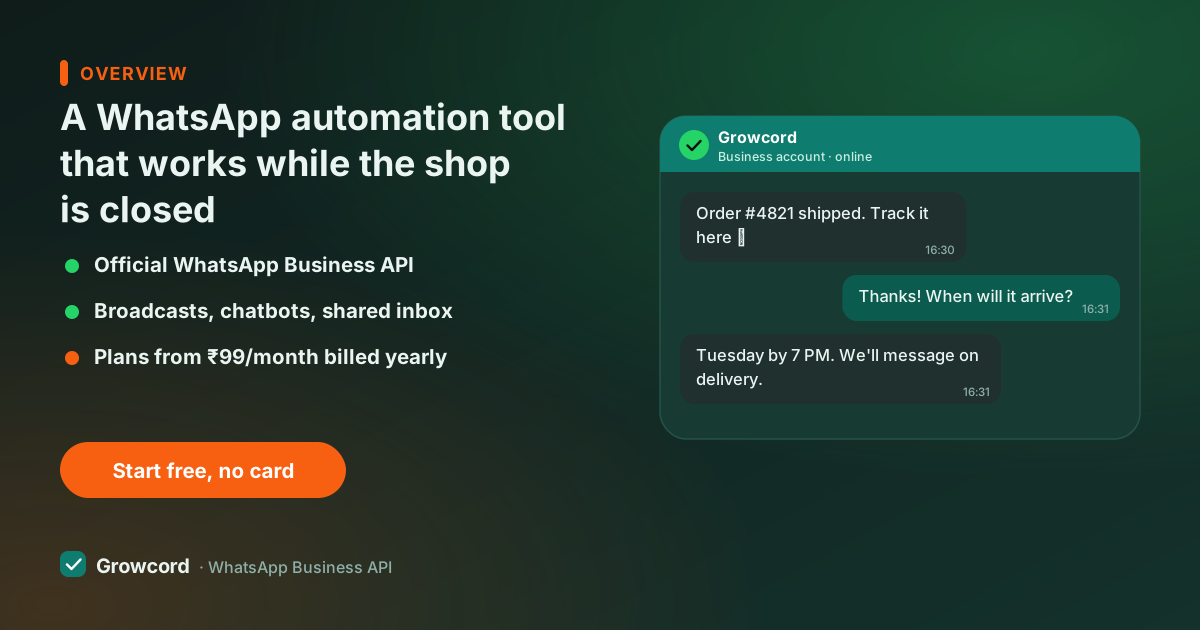
The messages you keep typing by hand
Look at your business number's chat history and most of it is the same five conversations on repeat. What's the price. Do you deliver to my pincode. Where is my order. Is this available. Send the catalogue.
Someone on your team types those answers all day, and at 11 pm the owner types them from bed, because an enquiry left overnight is usually a customer who bought elsewhere by morning. Our page on responding to leads faster covers what that delay actually costs.
The WhatsApp Business app's automation stops at one greeting message and one away message. Everything else is manual, tied to a single phone, and invisible to the rest of the team.
What you can automate on WhatsApp
With the API underneath, automation covers most of the repetitive traffic:
- Instant replies, greetings, business hours, keyword answers ("PRICE", "CATALOGUE", "TRACK").
- Qualifying flows, a bot asks budget, city or product interest before a human ever joins.
- Order journey messages, confirmation, shipping, delivery, COD verification, triggered by your store.
- Recovery and follow-ups, abandoned cart nudges, payment reminders, "still interested?" messages.
- Scheduled campaigns, festival offers and restock alerts queued in advance to opted-in segments.
Each of these is a trigger plus a message. The trigger can be a keyword, a store event from Shopify or WooCommerce, a webhook from your own system, or simply a date and time.
The automation toolkit inside Growcord
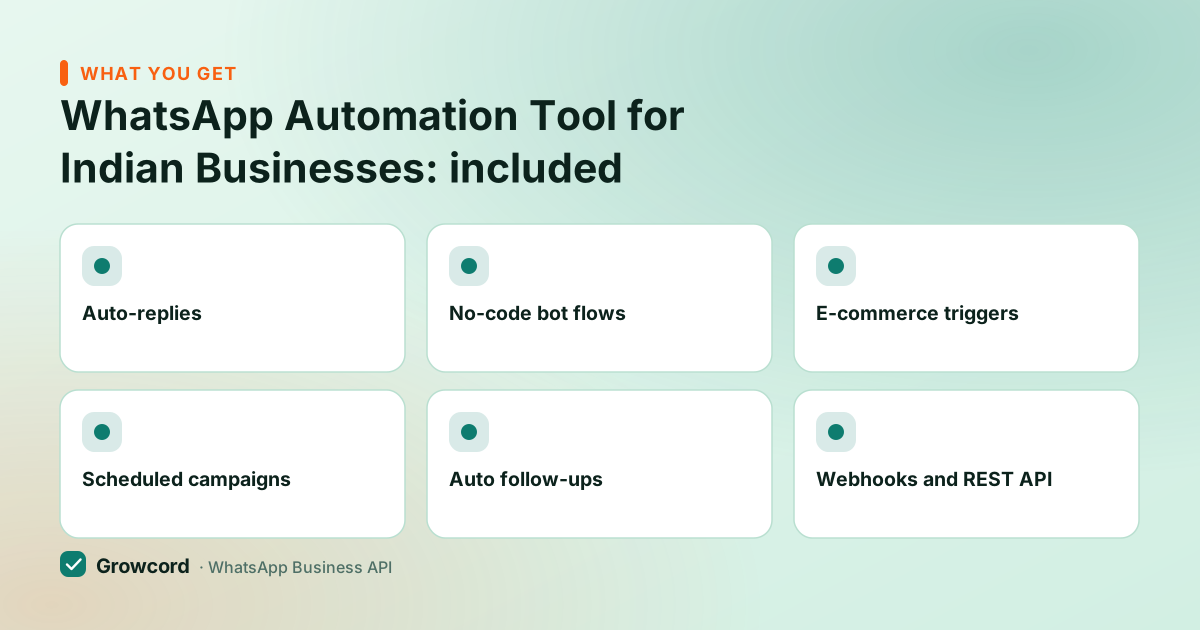
Auto-replies
Keyword and welcome replies that answer the common questions in seconds, at any hour.
No-code bot flows
Drag-and-drop flows with questions, buttons and branching, qualify leads or take orders without code.
E-commerce triggers
Abandoned cart, COD confirmation, order updates, back-in-stock and review requests fired by your store.
Scheduled campaigns
Queue a broadcast for Sunday morning or the week before Diwali. It sends without anyone logged in.
Auto follow-ups
Timed sequences that nudge a lead who went quiet, spaced over hours or days, not fired all at once.
Webhooks and REST API
Trigger messages from your billing software, CRM or app through Zapier, webhooks or API keys.
How WhatsApp workflow automation is set up
Connect your number
Link a WhatsApp number to the Cloud API through Growcord's guided signup. A fresh number is live the same day.
Switch on the easy wins
Welcome reply, hours message, and keyword replies for your five most-asked questions. Ten minutes of setup removes half the manual typing.
Build a flow for the rest
Use the visual builder to handle enquiries end to end, ask questions, branch on answers, hand over to a human when it matters.
Wire in your store or system
Connect Shopify, WooCommerce or Zapier, or point your own software at a webhook. Order and cart events start triggering messages automatically.
Watch the inbox and the numbers
Everything the automation does lands in the shared inbox with full history, and analytics shows what got delivered, read and answered.
Auto follow-up on WhatsApp, without nagging
Follow-up is where automation earns its keep, and where it can go wrong. The rule that keeps it safe: WhatsApp gives you a 24-hour service window after a customer's last message in which you can send anything. Outside that window, an automated follow-up must be a Meta-approved template sent to an opted-in contact, the 24-hour window guide explains the mechanics.
In practice a good sequence is short. An enquiry that went quiet gets one nudge the next day and maybe one more after three days, each with something useful in it, a photo, a price, an answer, and a way to say stop.
Longer nurture sequences work as drip campaigns for things like course launches or winback offers. Blasting daily reminders at silent contacts gets you blocked, and blocks lower the quality rating Meta assigns your number.
What a WhatsApp automation tool costs
Growcord's plans start at ₹299/month, ₹99/month billed yearly, and every plan includes the automation features; you're not paying per workflow or per rule. Meta's conversation fees apply on top and are billed as credits at Meta's published rate with zero markup, with the estimate visible before campaigns send.
The free tier gives you 1 number and 50 conversations a month, which is enough to build your flows and watch them answer real customers before you pay anything, and paid subscriptions carry a 7-day unconditional money-back guarantee. Full plan details are on the pricing page.
One honest caveat: automation on the official API is for business messaging to people who opted in. If what you want is a tool that mass-messages scraped numbers, that isn't this, and it's the fastest way to get a number banned.
Automate your first five replies today
Free tier includes 1 number and 50 conversations a month, set up keyword replies and a bot flow before paying anything.
Start free, no card neededWhy Growcord
What you get here that you don't get elsewhere
Frequently asked questions
Can I automate WhatsApp messages without getting banned?
Yes, if you automate through the official WhatsApp Business API, which is exactly what it exists for. Bans hit unofficial tools that script the regular WhatsApp app. On the API, automated messages either sit inside the 24-hour service window or go out as Meta-approved templates to opted-in contacts, so there's no ban roulette.
What kinds of WhatsApp messages can be automated?
Replies to common questions, welcome and after-hours messages, lead qualification flows, order confirmations and shipping updates, abandoned-cart and payment reminders, appointment reminders, review requests, and scheduled campaigns to segments. If an event in your business triggers it, it can be automated.
Do I need a developer to set up WhatsApp automation?
No. Auto-replies, bot flows, campaigns and the Shopify, WooCommerce and Zapier integrations are all point-and-click in Growcord. The REST API and webhooks are there if you do have a developer and want to trigger messages from your own software, but nothing requires code.
Can automation reply when a customer messages me first?
Yes, that's the easiest case. A customer's message opens a 24-hour window in which your auto-replies and bot flows can respond freely, no template needed. The bot can answer, qualify, or hand the chat to a human in the shared inbox with the full history attached.
How do auto follow-ups work if the customer never replied?
After 24 hours of silence the follow-up must be an approved template message, and the contact must have opted in. Growcord sends the sequence you define, for example one nudge after a day, one after three, and stops the moment the customer replies or opts out.
What does a WhatsApp automation tool cost in India?
Growcord starts at ₹299/month, or ₹99/month billed yearly, with automation included on every plan. Meta's per-conversation fees apply on top, billed as credits at cost with zero markup. There's a free tier with 1 number and 50 conversations a month to test everything first.
Why businesses pick Growcord
Official WhatsApp Business API
Built on Meta's Cloud API, the sanctioned channel, not a modded app. No number-ban roulette.
Indian pricing, GST invoice
Plans from ₹99/month billed yearly. Paid in ₹ via Razorpay, with a proper GST invoice every time.
Free tier, no card needed
1 number and 50 conversations a month to prove it on real customers before paying anything.
Support from New Delhi, in IST
A real team on email and WhatsApp, Monday to Saturday 10:00–19:00 IST, not a ticket void.
Talk to us
Get set up on WhatsApp this week
Tell us what you sell and how many customers you message. We'll reply on WhatsApp with the plan that fits and, if you want it, walk you through the Meta approval step.
- No sales call unless you ask for one
- Answers from the team that builds it, in IST hours
- Free tier available. You can start before you decide
Keep reading
Related guides and comparisons
Last updated: 2026-08-07