

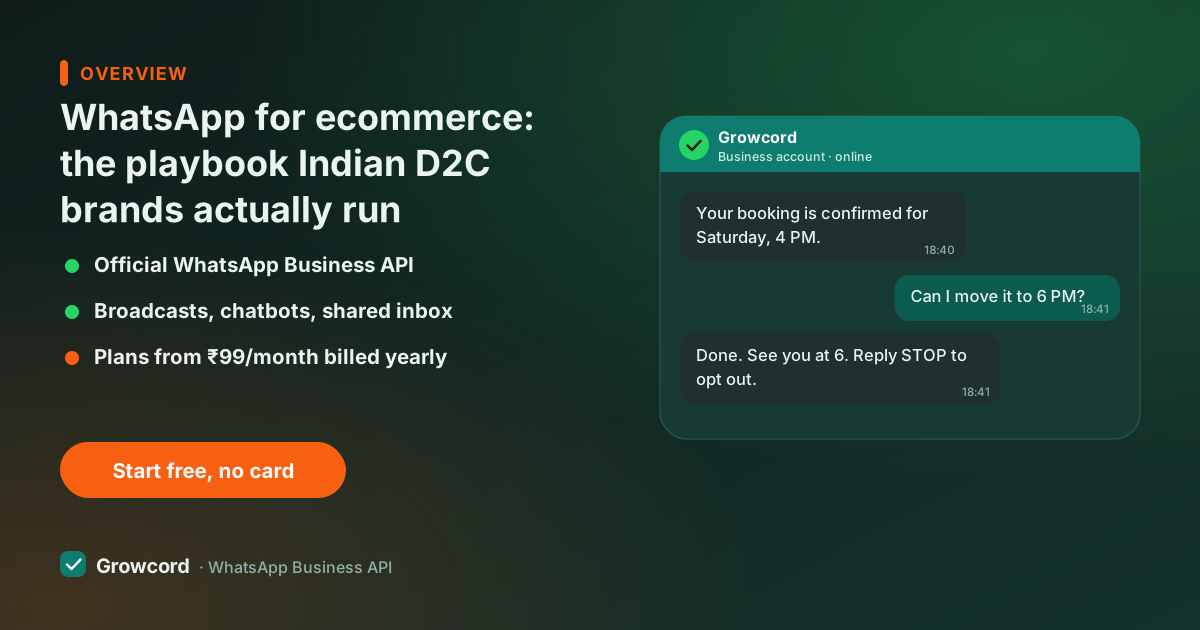
Three reasons online store WhatsApp marketing works here
The first is where the message lands. The email flows your Shopify theme shipped with go to a promotions tab; SMS goes to a folder nobody opens and can't be replied to. A WhatsApp message arrives in the same list as the customer's family chats, under your business name, and it can be answered. Our WhatsApp vs SMS vs email comparison puts the channels side by side.
The second is very Indian: cash on delivery. A large share of Indian ecommerce orders are still COD, and COD is where returns-to-origin (RTO) quietly eat margins. A WhatsApp message that asks the customer to confirm the order before dispatch filters out fake and impulse orders at almost no cost, something email simply cannot do, because the customer never sees it in time.
The third is that the channel is two-way. The same thread that carried your marketing message carries the customer's "size chart?" question and, later, their "where is my order?", and your team answers from a shared inbox instead of someone's personal phone.
Where WhatsApp fits in the ecommerce journey
Think of it as one thread per customer that runs from first click to fifth order:
- Before purchase, click-to-WhatsApp ads and a chat button on your site land product questions in your inbox; a bot answers sizing, delivery and COD questions instantly.
- At checkout, an abandoned cart reminder goes out when someone drops off; a COD confirmation goes out when someone orders.
- After purchase, order confirmed, shipped, out for delivery, delivered. Utility messages like these are the cheapest category Meta prices, so keeping buyers informed costs very little.
- After delivery, a review request, a restock alert for the size they missed, and a reorder nudge when the product is due to run out.
Each of these is an automation you switch on once, not a campaign someone has to remember to send.
The six ecommerce automations that pay for the platform
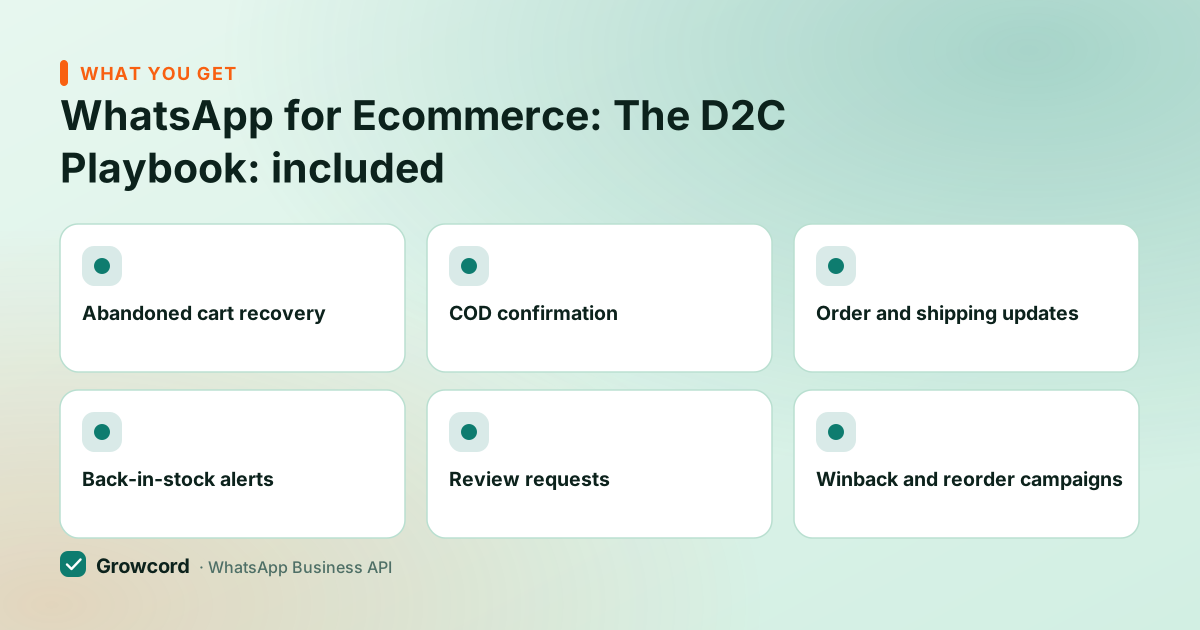
Abandoned cart recovery
A reminder with the cart contents and a checkout link goes out automatically after a customer drops off. Timing and follow-ups are configurable.
COD confirmation
Before you pack a COD order, the buyer taps Confirm or Cancel on WhatsApp. Unconfirmed orders never become RTO losses.
Order and shipping updates
Confirmed, packed, shipped with tracking link, delivered, every status change becomes a message, and support tickets asking for updates dry up.
Back-in-stock alerts
Customers join a waitlist for a sold-out size or shade; the moment you restock, they hear about it before anyone else.
Review requests
A few days after delivery, a polite ask with a direct link to your review page. Reviews arrive while the unboxing is still fresh.
Winback and reorder campaigns
Segment past buyers by product or spend and send a reorder nudge or a festival offer to exactly the people it fits.
Three messages that earn their fees
Templates work best when they read like a person typed them. Here's roughly what the three highest-earning ones look like for a typical D2C brand:
Abandoned checkout. "Hi Priya, your cart at Meraki Living is still saved, the terracotta planter set (₹1,499) is waiting. Stock in this batch is limited, so here's your checkout link if you'd like to finish up. Reply STOP to opt out." One button: Complete my order.
COD confirmation. "Hi Arjun, thanks for your order #4821 at Nashik Naturals, 2 cold-pressed oils, ₹648, cash on delivery. Please confirm so we can dispatch today." Two buttons: Confirm order / Cancel. Orders that tap Cancel cost you a message, not a failed delivery and return courier charge.
Reorder nudge. "Hi Deepa, it's been about 6 weeks since your last pack of filter coffee from South Bloom, most customers reorder around now. Want us to send the same 500g Peaberry again?" One button linking to the product.
You write these once, submit them for Meta approval from inside Growcord (usually minutes to a few hours), and merge fields fill in the name, order number and amount per customer. The template examples guide has more copy you can adapt.
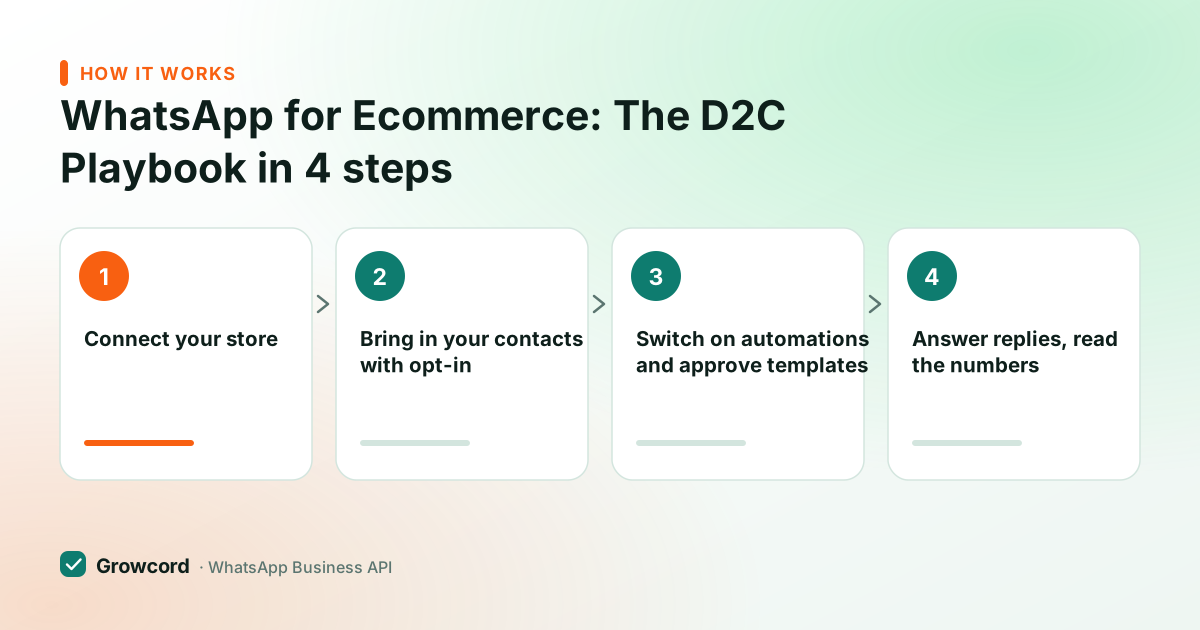
How a store goes live on Growcord
Connect your store
Shopify and WooCommerce connect with a guided setup; custom carts use webhooks or the REST API. Store events start flowing in immediately.
Bring in your contacts with opt-in
Sync buyers from the store, add a checkout opt-in checkbox, and import any existing opted-in list as CSV. Tags like COD-buyer or repeat apply on import.
Switch on automations and approve templates
Pick the flows you want, cart recovery, COD confirmation, order updates, and submit the message templates to Meta from the dashboard.
Answer replies, read the numbers
Replies land in the shared team inbox; analytics show delivery, reads, replies and what each automation cost in credits.
What ecommerce WhatsApp automation costs
Two parts. Growcord's plan fee: Basic is ₹299/month (₹99/month billed yearly); most stores that want the full ecommerce automation set pick Commerce at ₹1,999/month (₹999/month billed yearly). There's a free tier, one number and 50 conversations a month, which is enough to run cart recovery on a real store for a week and see the recovered orders before paying anything.
On top, Meta charges per conversation by category, and you pay Meta's published rate exactly, Growcord adds nothing to it and earns on the subscription instead. The useful detail for ecommerce: order updates, COD confirmations and reminders are utility conversations, priced far below marketing ones in India, where a marketing conversation runs roughly ₹0.78–0.88.
So the always-on transactional layer is cheap and you spend deliberately on campaigns. Subscriptions also carry a 7-day unconditional money-back guarantee, unused credits stay in your wallet, though conversations Meta has already delivered aren't refundable. The conversation pricing guide breaks it down, and the pricing page lists every plan.
One honest caveat: none of this works without opt-in. Collect consent at checkout, keep an opt-out path in marketing messages, and your quality rating stays green. The opt-in guide shows formats that hold up.
Put cart recovery on your store this week
Free tier: 1 number, 50 conversations a month. Connect Shopify or WooCommerce and watch the first recovered order arrive before you pay anything.
Start free, no card neededWhy Growcord
What you get here that you don't get elsewhere
Frequently asked questions
How do ecommerce stores use WhatsApp?
Mostly for five things: recovering abandoned carts, confirming COD orders before dispatch, sending order and shipping updates, collecting reviews after delivery, and running marketing campaigns to past buyers. All five run automatically once connected to the store through the official WhatsApp Business API. No one sends messages by hand.
Can I connect WhatsApp to my online store without coding?
Yes. Shopify and WooCommerce stores connect to Growcord through guided integrations, no developer needed, and templates come pre-written for you to adapt. Custom-built stores use Zapier, webhooks or the REST API; only that last route needs a developer, typically for a few hours of initial hookup.
Does WhatsApp abandoned cart recovery actually work?
It recovers a meaningful slice of dropped checkouts because the reminder is actually seen, unlike email, which most cart-droppers never open. Results vary by store, discount and timing, so run it on your own traffic: the free tier's 50 monthly conversations are enough to test on real abandoned carts.
Is WhatsApp marketing for online stores legal in India?
Yes, with consent. Meta's rules require customers to opt in before you send them marketing templates, and every message should offer a way out (a reply-STOP line works). Transactional updates about an order the customer placed are uncontroversial. Buying contact lists and blasting them is what gets accounts limited.
What does WhatsApp for an ecommerce brand cost monthly?
Growcord plans run ₹299–₹5,999/month (₹99–₹2,999/month billed yearly); the Commerce plan at ₹1,999/month (₹999 yearly) carries the full automation set. Add Meta's per-conversation fees, utility messages like order updates are priced low, marketing conversations roughly ₹0.78–0.88 in India. A free tier with 50 conversations/month lets you start at zero.
Should a D2C brand use WhatsApp instead of email?
Use both, for different jobs. WhatsApp carries anything urgent or conversational, cart recovery, COD confirmation, delivery updates, support, because it gets read quickly and the customer can reply in the same thread. Email stays better for long-form content, invoices and receipts that people want to search later. The practical split: if a message needs an action today, send it on WhatsApp.
Why businesses pick Growcord
Official WhatsApp Business API
Built on Meta's Cloud API, the sanctioned channel, not a modded app. No number-ban roulette.
Indian pricing, GST invoice
Plans from ₹99/month billed yearly. Paid in ₹ via Razorpay, with a proper GST invoice every time.
Free tier, no card needed
1 number and 50 conversations a month to prove it on real customers before paying anything.
Support from New Delhi, in IST
A real team on email and WhatsApp, Monday to Saturday 10:00–19:00 IST, not a ticket void.
Talk to us
Get set up on WhatsApp this week
Tell us what you sell and how many customers you message. We'll reply on WhatsApp with the plan that fits and, if you want it, walk you through the Meta approval step.
- No sales call unless you ask for one
- Answers from the team that builds it, in IST hours
- Free tier available. You can start before you decide
Documentation and official resources
Keep reading
Related guides and comparisons
Last updated: 2026-08-07