

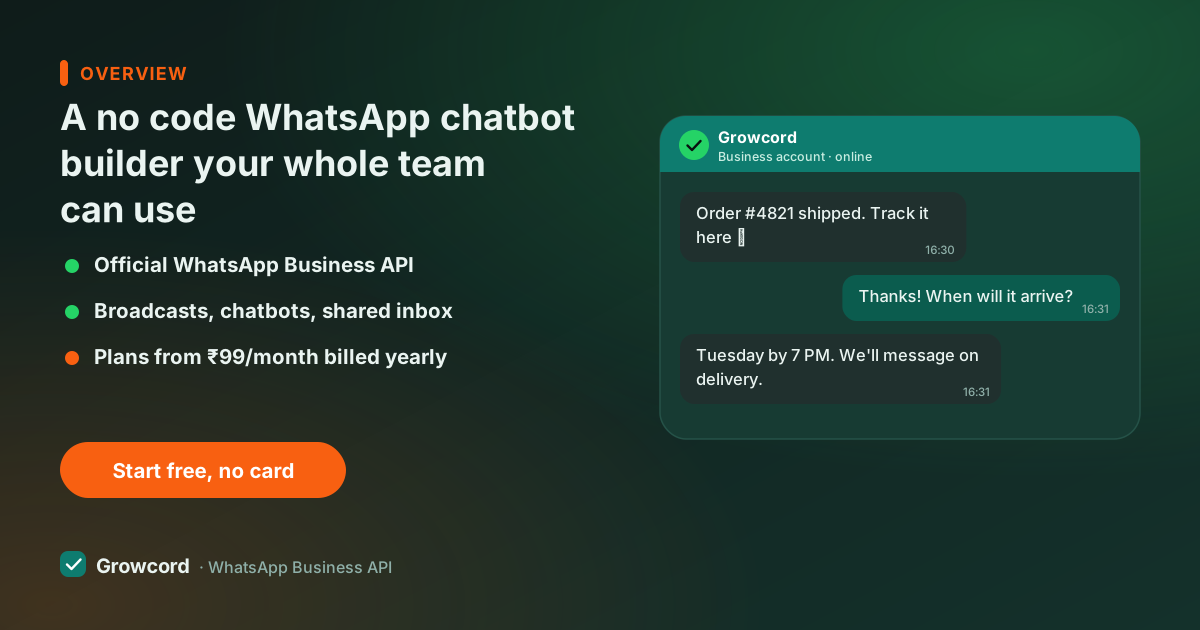
Why "get a developer" shouldn't be step one
The old way to get a WhatsApp bot was a project: brief an agency, wait for quotes, wait for the build, then pay again every time you change a price or a Diwali offer in the flow. For a coaching institute or a D2C brand, that turns a living conversation into a frozen one, the bot still announces last season's batch timings because editing it needs a ticket.
A no-code builder moves the bot to where it belongs: with the people who actually talk to customers. The person who answers "what's the fee?" forty times a week builds the flow that answers it, changes it Tuesday morning when the fee changes, and doesn't ask anyone's permission.
No JavaScript, no JSON, no staging server. If you can arrange boxes and type messages, you can run the bot. That's the same reason to look at the API without coding more broadly. The platform does the technical part once, at signup.
What drag and drop chatbot flows can do
"Drag and drop" undersells it, the blocks cover most of what paid bot developers build:
- Send blocks, text, images, videos, PDFs like price lists, with reply buttons or list menus attached.
- Question blocks, ask for name, city, budget or anything else, and save the answer to the contact's fields.
- Branches, route the flow on what the customer tapped or typed: COD questions one way, bulk orders another.
- Keyword triggers "menu", "price", "track" each start their own flow; a catch-all handles first messages.
- Handoff, move the chat to the shared team inbox whenever a human should take over, context attached.
- Tagging, mark contacts as they move through the flow, so "asked about gold plans" becomes an audience for a later campaign.
Flows chain together, so a welcome bot can pass into a lead-qualifier which passes into a booking flow. Our chatbot examples page shows finished flows you can copy the shape of, and the broader WhatsApp chatbot guide covers where bots pay off first.
Inside the Growcord builder
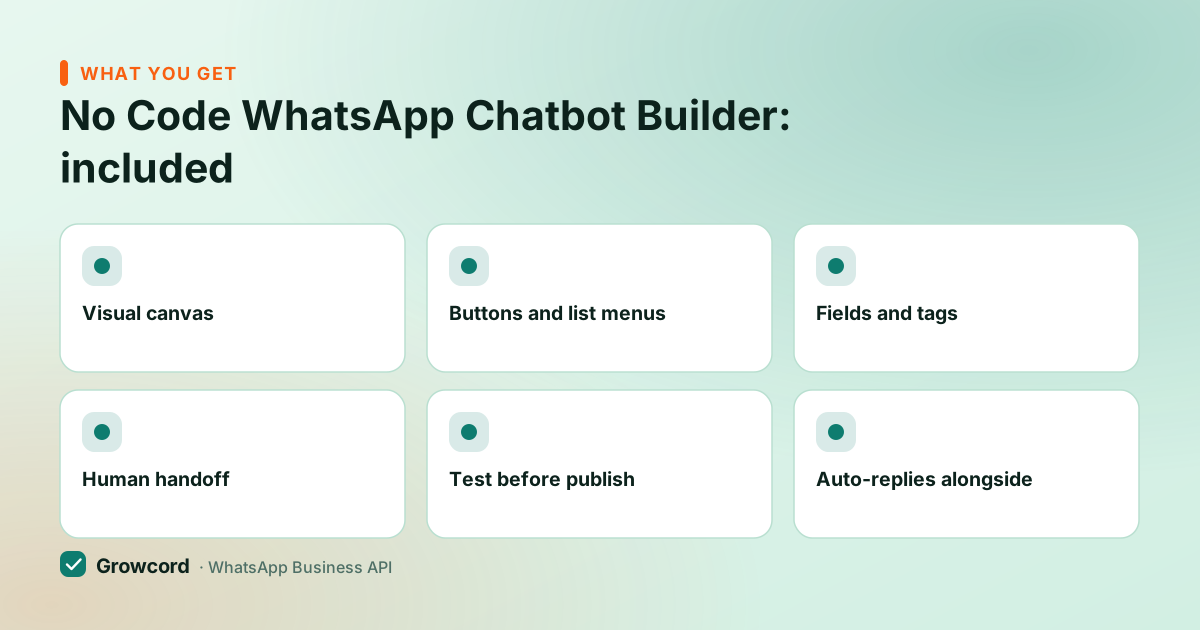
Visual canvas
The whole conversation laid out as connected blocks. You can see every path a customer might take at a glance.
Buttons and list menus
Customers tap instead of typing, so flows complete more often and answers come back clean.
Fields and tags
Every answer can save to the contact, building the segments your next campaign will send to.
Human handoff
Any block can route to the team inbox. The bot qualifies; people close.
Test before publish
Run the flow on your own WhatsApp, tap every branch, then go live when it reads right.
Auto-replies alongside
Office-hours and away messages run next to flows, so no message ever sits unacknowledged overnight.
From blank canvas to live bot
Pick a trigger
Start with one keyword ('price', 'admission', 'menu') or with every new conversation. One good flow beats five half-built ones.
Drag out the conversation
Write messages the way you'd type them in a chat, add buttons for the answers you expect, and branch where paths differ.
Test on your own number
Message the business number from your phone and walk every path. Fix anything that sounds like a machine wrote it.
Publish, then edit weekly
Go live and watch real conversations in the inbox. Where customers drop off or type instead of tapping, adjust, edits are live immediately.
Bots worth building first
Welcome + FAQ bot: greeting, top five questions as buttons, handoff option
Lead qualifier: name, city, requirement, saved to fields before sales calls
Order status: customer types an order number, bot replies with the update
Appointment or demo booking: offer slots, confirm, tag the contact
Off-hours cover: acknowledge instantly at night, promise a morning reply, and keep it
A WhatsApp bot builder without coding still leaves room for developers
No-code is the default, not a ceiling. When a flow needs something from your own systems, live stock from your ERP, a booking written to your calendar, an AI answer for open-ended questions, Growcord's webhooks and REST API let a developer plug that in at a single block, while the rest of the flow stays editable by the team. Zapier and custom-webhook integrations cover the middle ground where you want systems connected without writing much of anything.
What a chatbot maker should cost
Some platforms treat the bot builder as an upsell, gated to mid-tier plans or priced per flow, so read pricing pages closely before committing anywhere. In Growcord the builder is included on every plan: free tier (1 number, 50 conversations a month) onwards, with paid plans from ₹299/month, or ₹99/month billed yearly.
Meta's conversation fees are billed separately as credits at Meta's published rate with zero markup, and since bot conversations are usually customer-initiated, replies inside the 24-hour service window carry little to no Meta cost. The pricing page has every plan and add-on in one table, including the 7-day unconditional money-back guarantee if the bot doesn't earn its keep in the first week.
Build your first flow this afternoon
The builder is included on the free tier, connect a number, automate your most-repeated question, and publish before dinner.
Start free, no card neededWhy Growcord
What you get here that you don't get elsewhere
Frequently asked questions
Can I build a WhatsApp bot without any coding?
Yes. Growcord's builder is entirely visual, you drag message blocks, buttons, questions and branches onto a canvas and connect them. Everything from FAQ bots to lead qualifiers and booking flows is built this way. Code only becomes relevant if you want the bot pulling data from your own systems, which works through webhooks.
Is there a free no code WhatsApp chatbot builder?
Growcord's free tier includes the full builder with 1 number and 50 conversations a month, a real bot on real customers, not a sandbox demo. That's enough to automate your most common questions and judge the results before paying. Paid plans start at ₹299/month, or ₹99/month billed yearly.
Do drag and drop bots work on the official WhatsApp API?
Yes, that's exactly what Growcord's builder runs on. Flows send through the official WhatsApp Business API, which is why they can use reply buttons, list menus and business verification, and why running them carries no ban risk. Drag-and-drop describes how you build; the official API is what delivers.
Can I change the bot after it's live?
Yes, any time, and you should, the best bots are edited weekly. Open the flow, change the wording, prices or branches, and the update applies to new conversations immediately. No developer, no downtime, no re-approval needed (only broadcast templates go through Meta review, not bot flow messages).
What happens when the bot doesn't understand a customer?
You decide, per flow. The usual pattern is a fallback message 'tap a button below, or choose Talk to someone', with handoff to the shared team inbox behind it. Because Growcord flows lean on buttons rather than free typing, misunderstandings are rarer than with keyword-guessing bots in the first place.
Can the bot collect customer details like name and city?
Yes. Question blocks save answers straight to contact fields, and flows can tag contacts as they progress 'asked about 2BHK', 'budget under 50L'. Those fields and tags then drive personalised campaigns and give salespeople full context the moment a chat is handed over.
Why businesses pick Growcord
Official WhatsApp Business API
Built on Meta's Cloud API, the sanctioned channel, not a modded app. No number-ban roulette.
Indian pricing, GST invoice
Plans from ₹99/month billed yearly. Paid in ₹ via Razorpay, with a proper GST invoice every time.
Free tier, no card needed
1 number and 50 conversations a month to prove it on real customers before paying anything.
Support from New Delhi, in IST
A real team on email and WhatsApp, Monday to Saturday 10:00–19:00 IST, not a ticket void.
Talk to us
Get set up on WhatsApp this week
Tell us what you sell and how many customers you message. We'll reply on WhatsApp with the plan that fits and, if you want it, walk you through the Meta approval step.
- No sales call unless you ask for one
- Answers from the team that builds it, in IST hours
- Free tier available. You can start before you decide
Keep reading
Related guides and comparisons
Last updated: 2026-08-07