

Why one phone runs out of team
Most businesses start with the WhatsApp Business app on one handset. It works until the second person needs to reply. The app's answer is linked devices, a handful of companions (four linked devices, as of August 2026) sharing the same login, and in practice that setup creaks fast.
Every reply looks the same, so nobody knows who told the customer what. There's no way to assign a chat, so either two people answer the same enquiry or nobody does. History lives on one phone; if that phone is lost, or the employee holding it resigns, the customer relationships walk out with it.
The other common workaround, salespeople using personal numbers, is worse. The business has no record of those conversations at all, and the customer now belongs to the employee, not the company.
How the Growcord WhatsApp team inbox works
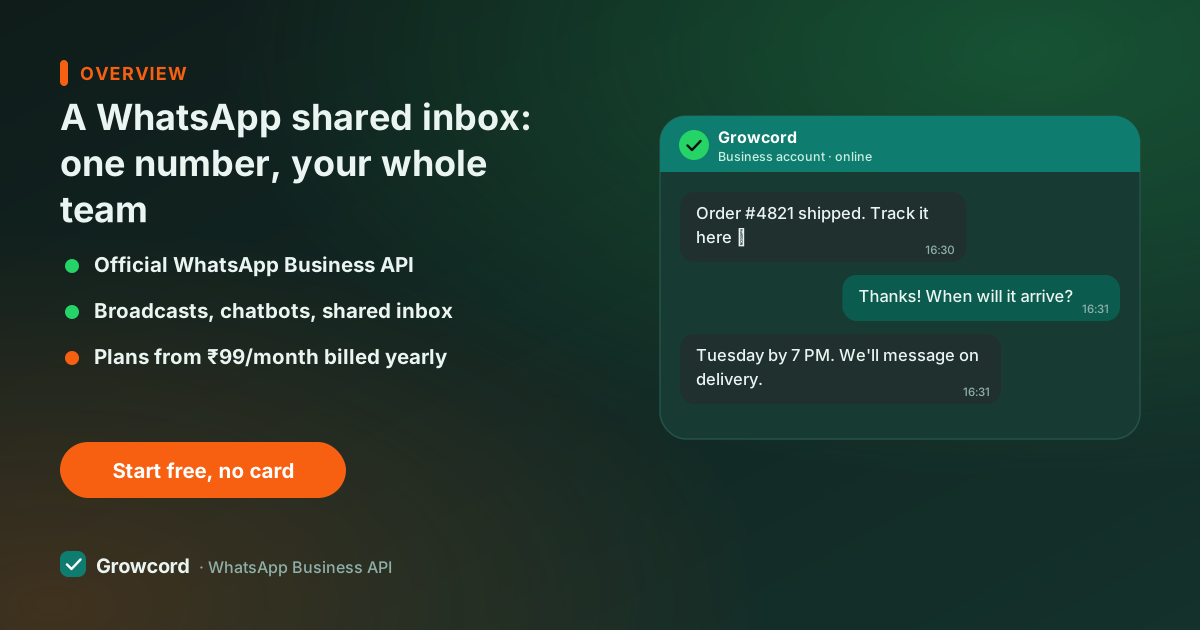
Growcord sits on the API, so the "device" is a browser tab. Each teammate gets their own login with a role, opens the dashboard, and sees the conversation list for your business number. A chat can be assigned to one owner, tagged, annotated with private notes the customer never sees, and closed when done.
The customer's record, orders, tags, past conversations, sits beside the chat, so whoever picks it up has context. When a chatbot flow handles the first questions, it hands the thread to a human in the same inbox with the transcript attached. After hours, an auto-reply holds the line until morning.
What's in the shared inbox
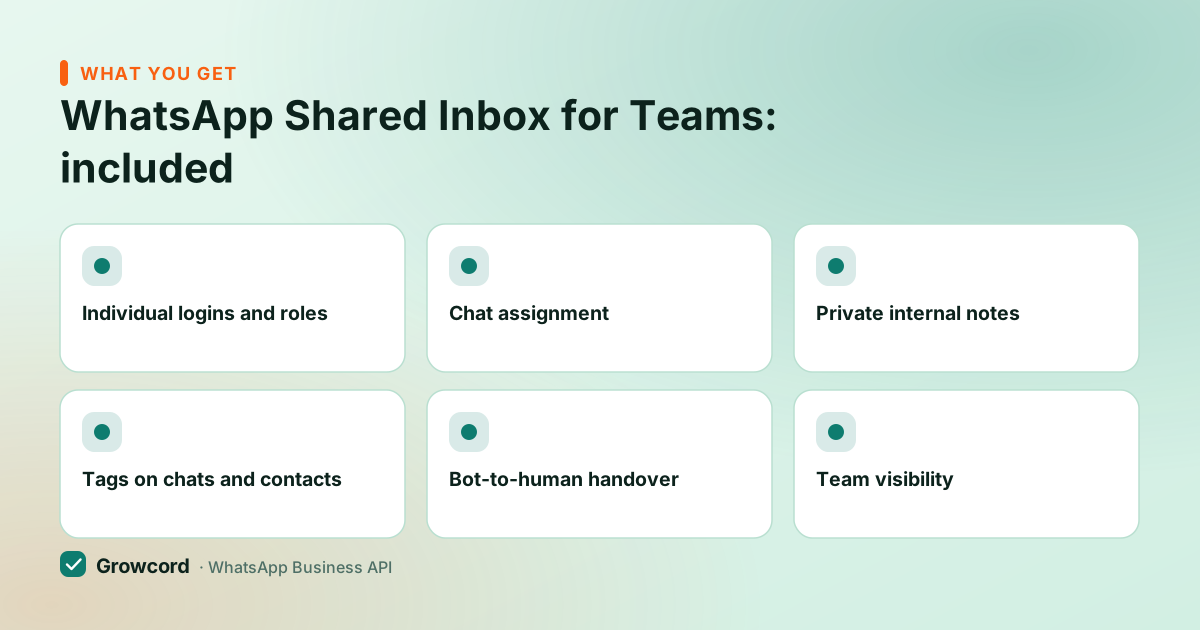
Individual logins and roles
Every agent has their own account. Owners and admins see everything; agents see what they need to.
Chat assignment
Give each conversation one owner, so enquiries stop falling between two people who both assumed the other replied.
Private internal notes
Leave context on the thread "quoted ₹4,200, follow up Friday", visible to the team, never to the customer.
Tags on chats and contacts
Mark conversations as new lead, complaint, or COD-pending. Tags double as segments for later campaigns.
Bot-to-human handover
A flow answers the routine questions and passes the rest to an agent with the full transcript.
Team visibility
See open and closed conversations and how quickly chats are being answered, instead of guessing.
Getting a team onto one number
Connect your WhatsApp number
Link a number to the official API through Growcord's guided setup. Existing app numbers can be migrated; a fresh number is live the same day.
Invite your teammates
Add each person by email and give them a role. They log in from any browser, office desktop or phone, with their own credentials.
Set the ground rules
Decide how chats get assigned, add tags for your workflow, and switch on a welcome reply and after-hours message.
Answer from anywhere
Chats stream into the shared list in real time. Agents claim or receive conversations, reply as the business, and close them when resolved.
Linked devices vs a real shared inbox
| Business app + linked devices | Growcord shared inbox | |
|---|---|---|
People on one number | 1 phone + 4 linked devices | ✓ Team logins, add members as you grow |
Separate agent accounts | ✗ Everyone shares one identity | ✓ Own login and role per agent |
Assign a chat to a person | ✗ Not available | ✓ One owner per conversation |
Internal notes on a chat | ✗ Not available | ✓ Private notes on every thread |
Chat history if staff leave | On their device | ✓ Stays in your account |
Bots and automation | Greeting + away message only | ✓ Flows, auto-replies, handover |
Works without the main phone | Phone must stay connected periodically | ✓ Cloud API, no phone needed |
Business app behaviour as published by Meta, checked August 2026; API column as implemented in Growcord.
Multiple agents, one WhatsApp number, what it costs
Growcord plans start at ₹299/month, or ₹99/month billed yearly, and include team seats that grow with the tier; an extra member beyond your plan's allowance is ₹149/month. Compare that with per-seat pricing elsewhere, checked August 2026, Wati's entry Growth plan is listed at ₹2,499/month, and the gap over a year for a five-person counter is real money.
Meta's conversation fees apply only to messages the business initiates, and they pass through as credits at Meta's published rate with zero markup; replying inside the 24-hour service window after a customer writes to you needs no template and no marketing charge. The pricing page lays out every plan, the free tier, 1 number, 50 conversations a month, lets the whole team try the inbox on real chats first, and paid subscriptions carry a 7-day unconditional money-back guarantee.
If you're weighing this against simply linking more devices to the app, the honest summary: linked devices share one anonymous identity and top out quickly; an inbox gives each person a name, a queue and a history. The moment two people answer customers daily, the inbox pays for itself in enquiries that stop slipping. For teams running support at volume, the customer support software page goes deeper.
Put your team behind one number this week
Free tier includes 1 number and 50 conversations a month, invite the team and try the inbox before paying anything.
Start free, no card neededWhy Growcord
What you get here that you don't get elsewhere
Frequently asked questions
Can 4 people use one WhatsApp number at the same time?
Yes, and more than 4. With a shared inbox on the WhatsApp Business API, each teammate logs into a web dashboard with their own account and replies from the same business number simultaneously. You're not limited by the app's linked-device cap because the API doesn't use devices at all.
Will customers know which agent replied?
Customers see one consistent identity, your business name and number, regardless of who replies. Internally, Growcord records which agent sent every message and who owns each conversation, so accountability is clear without exposing agent phone numbers or names to the customer.
Can I use the shared inbox on my phone?
Yes. The inbox is a web dashboard, so it opens in a phone browser exactly as it does on a desktop, useful when the owner is out at a supplier and the counter staff are at the till. Agents sign in with the same credentials anywhere, and conversation history follows the account rather than the handset, so nothing is stranded on one phone.
What happens to chats when an employee leaves?
Nothing is lost. Conversations, contacts, tags and private notes belong to your organisation's Growcord account, not to any agent's device or personal number. Remove the departing person's login, reassign their open chats to a colleague, and the next reply continues the same thread with the full history intact, the customer never has to explain themselves twice.
How is this different from WhatsApp's multi-device feature?
Multi-device links a few companion devices to one shared login, same identity, no assignment, no notes, no record of who said what. A shared inbox on the API gives each agent a separate login, lets you assign and tag conversations, and keeps history centrally. One is a convenience; the other is a support system.
How much does a WhatsApp shared inbox cost?
Growcord starts at ₹299/month, or ₹99/month billed yearly, with the shared inbox included on every plan, the free tier included. Extra team members beyond your plan's seats are ₹149/month each. Meta conversation fees apply only to business-initiated messages and pass through as credits at Meta's rate with zero markup.
Why businesses pick Growcord
Official WhatsApp Business API
Built on Meta's Cloud API, the sanctioned channel, not a modded app. No number-ban roulette.
Indian pricing, GST invoice
Plans from ₹99/month billed yearly. Paid in ₹ via Razorpay, with a proper GST invoice every time.
Free tier, no card needed
1 number and 50 conversations a month to prove it on real customers before paying anything.
Support from New Delhi, in IST
A real team on email and WhatsApp, Monday to Saturday 10:00–19:00 IST, not a ticket void.
Talk to us
Get set up on WhatsApp this week
Tell us what you sell and how many customers you message. We'll reply on WhatsApp with the plan that fits and, if you want it, walk you through the Meta approval step.
- No sales call unless you ask for one
- Answers from the team that builds it, in IST hours
- Free tier available. You can start before you decide
Keep reading
Related guides and comparisons
Last updated: 2026-08-07