

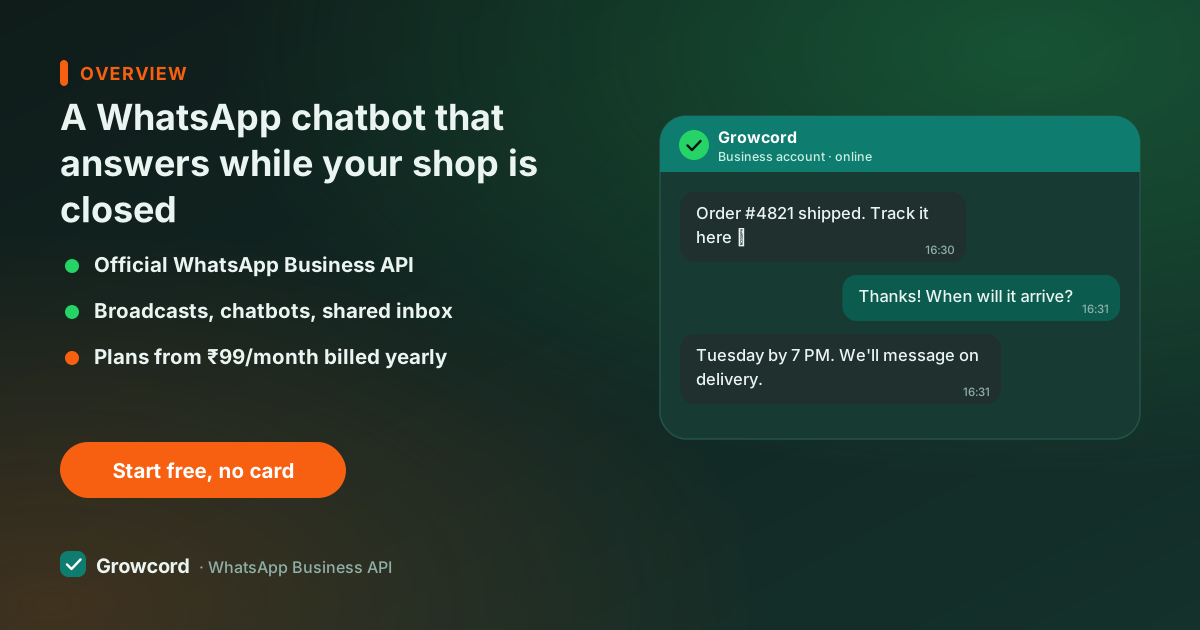
What a WhatsApp chatbot for business actually does
Look at your last fifty enquiries. Most are the same five questions, price, availability, timings, delivery, location, and many arrived after 9 pm, when nobody was going to answer until morning.
Leads are impatient: the enquiry you answer at 10 am often bought elsewhere at 11 pm. A chatbot exists for exactly this gap. It replies within a second, every time, including Sunday night during your Diwali campaign when three hundred replies land at once.
Concretely, businesses run bots for: answering FAQs with buttons ("Price list", "Store timings", "Talk to someone"), capturing lead details (name, city, budget) before a salesperson calls, sending order status when a customer types their order number, booking appointments and demo slots, and following up instantly when someone clicks a Facebook or Instagram ad into WhatsApp. There are complete worked examples in our chatbot examples guide, and the case for speed in respond to leads faster.
How a bot flow works on the official API
A flow starts from a trigger, a keyword like "menu", any first message, or a new chat from an ad click. From there the bot sends messages with reply buttons and lists, asks questions and saves the answers to contact fields, and branches on what the customer chose: a "COD available?" tap gets one path, "bulk order" another.
When the flow reaches something a human should handle, it hands the chat to your shared team inbox with everything the bot learned attached, so your teammate opens the chat already knowing the customer wants two kurtis in Jaipur by Friday.
One rule worth knowing: bots reply freely inside the 24-hour window that opens when a customer messages you. Outside it, reaching out again needs an approved template. The 24-hour window guide explains this in plain terms.
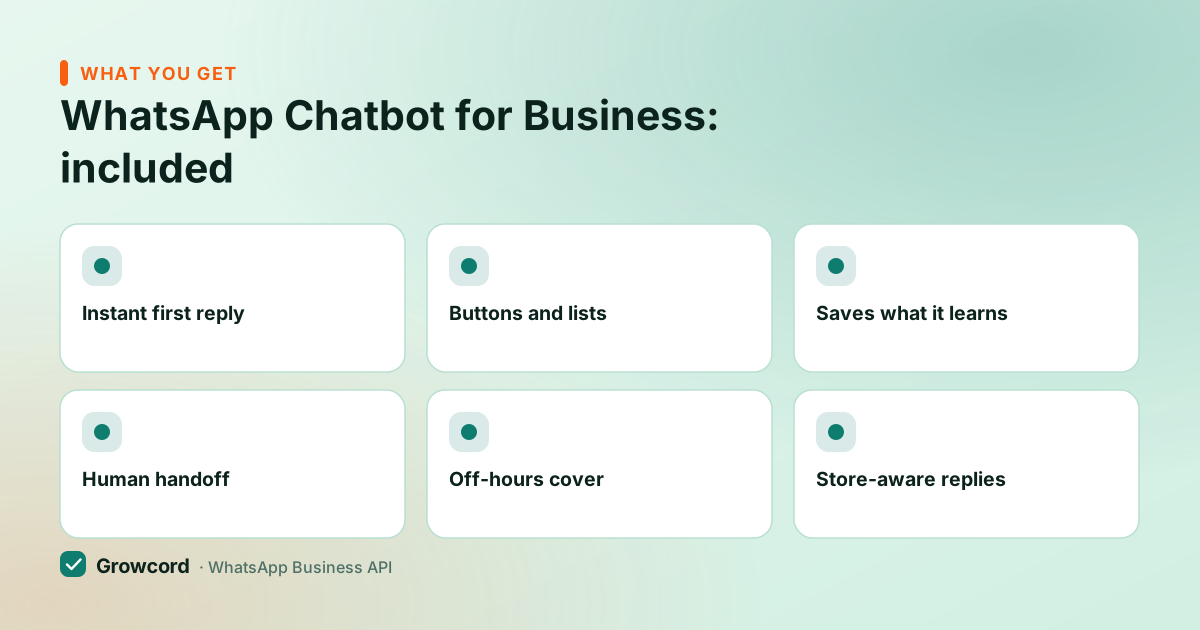
What Growcord's chatbot can do
Instant first reply
Every enquiry gets an answer in under a second, at 2 pm or 2 am. Speed to first reply is where most leads are won.
Buttons and lists
Customers tap options instead of typing, so flows stay on track and answers arrive clean.
Saves what it learns
Answers store to contact fields and tags, city, budget, product interest, building segments for later campaigns.
Human handoff
One tap moves the chat to the team inbox, with the bot's full conversation attached for context.
Off-hours cover
Pair flows with auto-replies so nights, Sundays and festival rushes are acknowledged immediately.
Store-aware replies
With Shopify or WooCommerce connected, bots answer order-status questions from real order data.
Building your first bot in Growcord
Pick the trigger
A keyword ('price', 'menu'), any new conversation, or replies to a specific campaign. Start with the question you're most tired of typing.
Drag the conversation
Add message blocks, buttons, questions and branches on a visual canvas. A five-question FAQ bot takes well under an hour.
Test it on your own phone
Message your number, tap through every path, and fix the wording where it feels robotic before customers see it.
Go live and watch the inbox
Publish the flow. Bot conversations appear in the shared inbox, so you can see where people drop off and tighten the flow weekly.
Rule-based flows vs an AI chatbot on WhatsApp
Honest answer: most businesses don't need AI to get most of the value. A structured flow with buttons handles pricing, timings, bookings and lead capture predictably, it never invents a discount or misquotes your address, which matters when the bot speaks as your business. An AI chatbot on WhatsApp earns its place for open-ended questions ("does this saree suit a morning wedding?") where fixed buttons feel rigid.
Growcord's builder is flow-based at its core; if you want a language model answering inside a flow, you can route messages to your own AI service via webhooks and the custom integration path, keeping the handoff and inbox behaviour intact. Start with flows, add AI where flows genuinely fall short.
What a WhatsApp bot costs to run
The builder itself is included on every Growcord plan, from the free tier (1 number, 50 conversations a month) through Basic at ₹299/month (₹99/month billed yearly) and up. On Meta's side, bot conversations are usually customer-initiated, and replies inside the 24-hour service window carry little to no Meta cost, far cheaper than marketing broadcasts. Whatever Meta does charge passes through as credits at its published rate, with zero markup from us.
The conversation pricing guide breaks down the categories, and the pricing page has full plan details, including the 7-day money-back guarantee on subscriptions. For comparison, checked August 2026: the entry plans at Wati (Growth, ₹2,499/month) and AiSensy (Basic, about ₹1,500/month) also include bot builders. The difference is what you pay for the rest of the platform wrapped around them.
Put a bot on your number this week
The free tier includes the full chatbot builder and 50 conversations a month, enough to automate your top five questions and feel the difference.
Start free, no card neededWhy Growcord
What you get here that you don't get elsewhere
Frequently asked questions
Can I create a WhatsApp chatbot for free?
You can start free. Growcord's free tier includes the full no-code bot builder with 1 number and 50 conversations a month, enough to build, test and run a small bot on real customers. Beyond that, plans start at ₹299/month (₹99/month billed yearly), plus Meta's conversation fees where they apply.
Do I need to know coding to build a WhatsApp bot?
No. Growcord's builder is a visual canvas, you drag message blocks, buttons, questions and branches, and connect them in the order the conversation should run. Coding only enters the picture if you want the bot talking to your own systems, which happens via webhooks and the REST API.
Can the chatbot transfer the chat to a human?
Yes, and every good bot should. In Growcord a flow can hand the conversation to the shared team inbox at any point, when the customer taps 'Talk to someone', asks something unscripted, or reaches a step you've marked for humans. Your teammate sees the full bot conversation, so nobody repeats themselves.
Does WhatsApp allow chatbots?
Yes, on the official WhatsApp Business API, bots are a supported, documented feature that Meta built the platform around. What WhatsApp doesn't allow is automating the consumer app or WhatsApp Business app with third-party tools; that's the automation that gets numbers banned.
Can a WhatsApp bot send images, PDFs and buttons?
Yes. Flow steps can send images, videos, documents like price lists and brochures, and interactive reply buttons or list menus. Buttons deserve special mention: customers tap instead of typing, which keeps conversations on the path you designed and lifts completion rates.
How long does it take to set up a WhatsApp chatbot?
A working FAQ bot, greeting, five common questions with button answers, human handoff, takes under an hour in the builder once your number is connected. Lead-qualification and booking flows take an afternoon. The real work is editing: check where customers drop off each week and tighten the wording.
Why businesses pick Growcord
Official WhatsApp Business API
Built on Meta's Cloud API, the sanctioned channel, not a modded app. No number-ban roulette.
Indian pricing, GST invoice
Plans from ₹99/month billed yearly. Paid in ₹ via Razorpay, with a proper GST invoice every time.
Free tier, no card needed
1 number and 50 conversations a month to prove it on real customers before paying anything.
Support from New Delhi, in IST
A real team on email and WhatsApp, Monday to Saturday 10:00–19:00 IST, not a ticket void.
Talk to us
Get set up on WhatsApp this week
Tell us what you sell and how many customers you message. We'll reply on WhatsApp with the plan that fits and, if you want it, walk you through the Meta approval step.
- No sales call unless you ask for one
- Answers from the team that builds it, in IST hours
- Free tier available. You can start before you decide
Keep reading
Related guides and comparisons
Last updated: 2026-08-07