

Example 1: the lead qualification bot (real estate)
The highest-value chatbot in India right now, because property leads go cold in hours and brokers can't answer every enquiry at midnight. The script:
- Bot: "Hi! Thanks for your interest in Sunrise Heights. Are you looking to buy or rent?", buttons: *Buy* / *Rent* / *Just exploring*
- Bot: "Great. Which configuration works for you?", buttons: *2 BHK* / *3 BHK* / *Not sure yet*
- Bot: "And your budget range?", list: *Under ₹60L*, *₹60L–₹90L*, *Above ₹90L*
- Bot: "Perfect, here's the brochure and floor plans [PDF]. Our advisor will call to arrange a site visit. Morning or evening?", buttons: *Morning* / *Evening*
Four taps, zero typing, and the sales team wakes up to a lead with configuration, budget and callback preference already tagged on the contact. The same skeleton works for coaching institutes, Example 2 swaps the questions to course, current class and preferred batch timing, then sends the fee structure PDF. More on the pattern in WhatsApp lead generation.
Example 3: the appointment booking bot (salon or clinic)
- Bot: "Welcome to Glow Studio! What would you like to book?", list: *Haircut*, *Hair colour*, *Facial*, *Bridal trial*
- Bot: "Which day suits you?", buttons: *Today* / *Tomorrow* / *Pick a date*
- Bot: "Available slots tomorrow: ", list: *11:00 am*, *2:30 pm*, *5:00 pm*
- Bot: "Booked! Haircut, tomorrow 2:30 pm with Meena. We'll send a reminder 2 hours before. Reply CHANGE anytime to reschedule."
The confirmation plus the automated reminder is the point, it's the reminder that cuts no-shows, and it rides on the booking data the bot just collected. Clinics run the identical flow with consultation types and doctor names.
Examples 4–9: six more flows that earn their keep
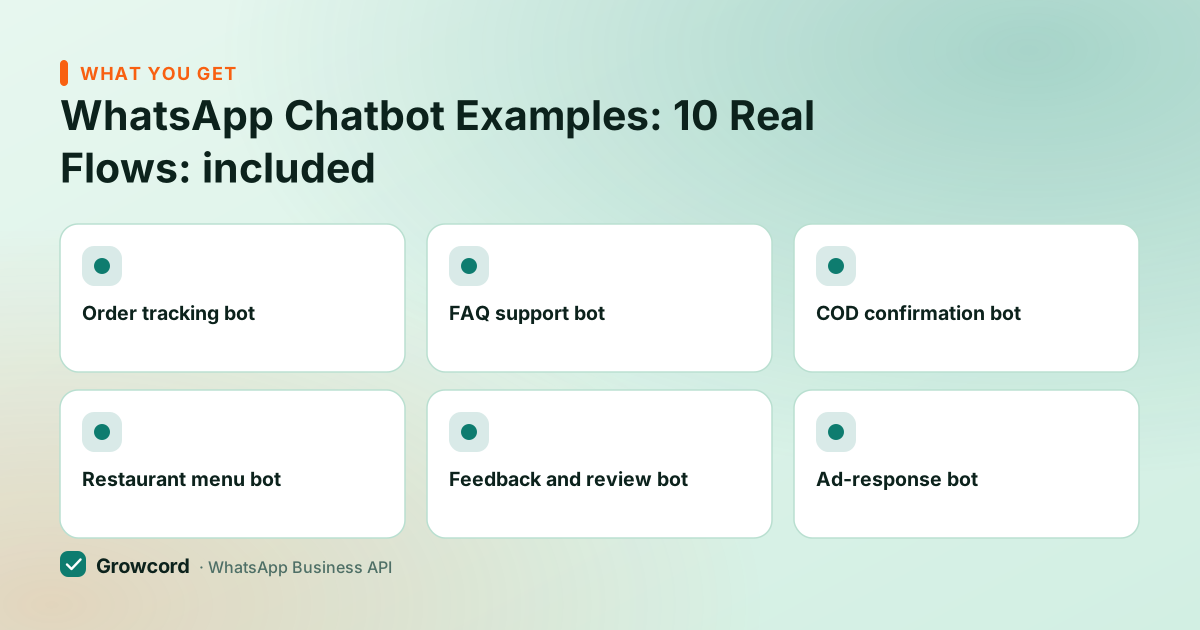
Order tracking bot
Customer types "track" or taps a button, bot asks for the order ID (or reads it from the contact) and replies with live status. Kills the single most repeated support question in ecommerce.
FAQ support bot
A menu of your five real top questions, returns, shipping time, sizes, payment options, store hours, each answered instantly, with "Talk to our team" always the last option.
COD confirmation bot
After a cash-on-delivery order: "Please confirm your order of ₹1,249, Confirm / Cancel." One tap filters fake orders before they ship and become RTO losses.
Restaurant menu bot
"menu" returns today's menu as an image or catalog, buttons for Order pickup / Book a table / Call us. Lunch-hour phone chaos, converted to taps.
Feedback and review bot
Post-delivery: "How was everything?" with 1–5 buttons. High scores get a review link; low scores get "Sorry, tell us what went wrong" and a human takes over.
Ad-response bot
First responder for click-to-WhatsApp ads: greets with the ad's offer, asks one qualifying question, and captures the lead while the 72-hour free window is open.
Example 10: the keyword opt-in bot (steal this script)
The simplest bot on this list quietly builds your marketing asset, the opted-in list:
- Customer: sends "OFFERS" (from your QR code at the counter, your website, or an Instagram bio link)
- Bot: "Welcome! You're in, expect our best deals and new arrivals, max 3–4 messages a month. What are you most interested in?", buttons: *Men's wear* / *Women's wear* / *Kids*
- Bot: "Done! Here's ₹100 off your next visit as a thank-you: SAVE100. Reply STOP anytime to leave the list."
Three messages, and you've collected consent with a timestamp, an interest tag for segmentation, and given a reason to visit. The STOP handling matters as much as the welcome, honour it instantly and your quality rating stays green. Segmented opt-ins like this are what make the marketing ideas on this site actually work.
The mechanics every flow must respect
A few WhatsApp platform rules shape how you design these, as of August 2026:
- Interactive limits. A message can carry up to 3 reply buttons, or a list with up to 10 options. Design menus in layers of three rather than one giant list, taps beat typing every time.
- The 24-hour window. Bots reply inside the customer's service window, so bot conversations are free of Meta fees. Following up days later needs an approved template, the 24-hour window guide explains the boundary.
- Always build the exit. Every flow needs a "talk to a human" branch that lands in a real inbox with the bot's collected answers attached. Bots that trap users in loops get blocked, and blocks hurt your account.
- One question per message. The moment a bot asks for name, city and budget in one message, completion rates fall off a cliff. Collect one thing, confirm, move on.
Building any of these in Growcord
Create a flow in the bot builder
Pick a trigger, a keyword like OFFERS, a menu selection, or the default greeting for any new chat. No code; the flow is drawn as connected steps.
Add the questions as buttons and lists
Each step is a message plus its reply options. Branch on the answer, Buy goes one way, Rent another, and save answers to contact fields and tags as you go.
Wire the human handover
Point the "talk to our team" branch at the shared inbox. An agent picks up mid-conversation with the full transcript and the captured details in view.
Test on your own number, then go live
Message your business number, run every branch including the dead ends, fix the awkward wording, and switch it on. Watch the first week's transcripts, real customers always find a path you didn't.
Build your first bot flow today
The no-code flow builder comes with the Startup plan, ₹799/month, or ₹399/month billed yearly, for three flows. Start on the free tier (1 number, 50 conversations a month) and upgrade when a flow earns its keep.
Start free, no card neededWhy Growcord
What you get here that you don't get elsewhere
Frequently asked questions
What can a WhatsApp chatbot actually do?
Within a conversation, quite a lot: answer FAQs, qualify leads with button questions, book appointments, share catalogs and PDFs, track orders, confirm COD purchases, collect feedback and hand over to a human agent. What it can't do is start conversations with people who never messaged you. That requires approved template messages, and marketing ones need opt-in consent.
Do I need coding to build these chatbot examples?
No. Every flow on this page is buildable in a no-code builder, you draw steps, type the messages, add buttons and connect branches. Growcord's bot builder works this way, as do most API platforms. Code only enters the picture for custom logic like querying your own database mid-conversation, which can be done through webhooks and the REST API.
How many buttons can a WhatsApp chatbot show?
As of August 2026, an interactive message supports up to 3 reply buttons, or a list message with up to 10 options. That constraint is worth embracing: flows built as layers of three simple choices complete far more often than ones that dump every option at once. For bigger selections, a full menu, a product range, use a list message or a catalog.
Can the chatbot hand over the chat to a human?
Yes, and every serious flow should. In Growcord, a bot branch can route the conversation to the shared team inbox, where an agent sees the full transcript and the details the bot collected, so the customer never repeats themselves. Sensible triggers for handover: the customer asks, the bot doesn't recognise the input twice, or a high-value signal appears (big budget, complaint).
Do chatbot replies cost money on WhatsApp?
Bot replies inside the customer's 24-hour service window carry no Meta message fees as of August 2026, the customer opened the window by messaging you. You pay only when you start the conversation outside the window with a template, plus your platform subscription. The flow builder starts on Growcord's Startup plan at ₹799/month (₹399 billed yearly); every plan is on the pricing page.
Which chatbot should I build first?
The one answering your most repeated question. For ecommerce that's usually order tracking; for services and clinics, appointment booking; for anyone running ads, the lead qualification flow. Build one flow, watch a week of real transcripts, fix the rough edges, then add the next. A single well-tested flow beats five half-finished ones every time.
Why businesses pick Growcord
Official WhatsApp Business API
Built on Meta's Cloud API, the sanctioned channel, not a modded app. No number-ban roulette.
Indian pricing, GST invoice
Plans from ₹99/month billed yearly. Paid in ₹ via Razorpay, with a proper GST invoice every time.
Free tier, no card needed
1 number and 50 conversations a month to prove it on real customers before paying anything.
Support from New Delhi, in IST
A real team on email and WhatsApp, Monday to Saturday 10:00–19:00 IST, not a ticket void.
Talk to us
Get set up on WhatsApp this week
Tell us what you sell and how many customers you message. We'll reply on WhatsApp with the plan that fits and, if you want it, walk you through the Meta approval step.
- No sales call unless you ask for one
- Answers from the team that builds it, in IST hours
- Free tier available. You can start before you decide
Keep reading
Related guides and comparisons
Last updated: 2026-08-07