

The WhatsApp shop, piece by piece
A WhatsApp shop is built from four parts that already exist inside the product, you assemble them rather than build anything.
The catalog is your shelf. Each item carries a photo, name, price in ₹, description and an optional link. Customers open it from your business profile or when you share an item into a chat. In the Business app a catalog holds up to 500 items (as of August 2026); connect through the API and your catalog lives in Meta's Commerce Manager, which also lets you sync stock from a store system instead of editing by hand.
The cart turns browsing into an order. Customers tap "Add to cart" on catalog items and send the whole selection as one order message, you receive a structured list of items and quantities instead of a screenshot and three voice notes.
Product messages (API) put the shelf inside the conversation: a single-product message highlights one item; a multi-product message shows a scrollable selection, up to 30 items as of August 2026, pulled from your catalog. A chatbot can send these in response to "show me kurtis under 1500", which is as close to aisle-browsing as chat gets.
Payment closes it. Indian customers pay by UPI, by a payment link (Razorpay or any gateway link pasted or automated into the chat, see collecting payments on WhatsApp), or cash on delivery, in which case a COD confirmation flow protects you from fake orders.
The honest caveat: WhatsApp is a conversation channel, not a marketplace. There's no search bringing strangers to your shop, you bring buyers in through Instagram, click-to-chat links, QR codes and ads. What WhatsApp does better than any storefront is the second sale: the chat thread persists, and reorders start with one message.
How a WhatsApp sale actually flows
The customer finds the chat
A click-to-chat link in your Instagram bio, a QR on packaging, a click-to-WhatsApp ad, or a saved number from a past order. Each entry point can pre-fill its own first message.
They browse the catalog
You (or a bot) share the catalog or a multi-product message matching what they asked for. Photos, prices and descriptions do the selling inside the chat.
Cart becomes order
The customer adds items and sends the cart. You confirm availability, delivery time and total, in writing, in a thread both sides keep.
Payment or COD confirmation
Send a UPI or Razorpay payment link for prepaid orders; for COD, an automated yes/no confirmation message filters out the fake orders before you ship.
Updates, then the reorder
Order-confirmed, shipped and delivered notifications go out automatically on the API. A review request a few days later, and a relevant offer next month, turn one order into a repeat customer.
The WhatsApp commerce policy: what you can and can't sell
Every catalog item is checked against Meta's Commerce Policy, and chat content falls under the Business Messaging Policy. Violations get items rejected, catalogs disabled, or in serious cases the whole account restricted, so read the rules before you upload fifty products.
Prohibited categories include, as of August 2026: illegal products or services, drugs and drug paraphernalia, tobacco, alcohol, weapons and ammunition, live animals, adult products and services, real-money gambling, and certain medical, healthcare and financial products.
Some categories that are fine to *discuss* in chat are still barred from *catalogs*, check Meta's current policy text for edge cases rather than assuming. Beyond the category list, the standing rules are: sell only what you can actually deliver, describe it accurately, and don't message people who haven't opted in.
WhatsApp catalog rules for India
For Indian sellers, three layers apply at once:
- Meta's rules: accurate item names, real photos (clear, square images around 1024×1024 look best), correct prices, and no prohibited categories. Items are reviewed and can be rejected silently, check catalog item status after upload.
- Indian e-commerce law: the Consumer Protection (E-Commerce) Rules, 2020 expect sellers to state total prices including charges, and be clear about returns, refunds and grievance contact. A pinned "how to order / returns" note and honest pricing in the catalog cover the practical ground.
- Tax: sales through WhatsApp are ordinary sales, GST registration thresholds and invoicing rules apply exactly as they do in your shop. Nothing about the channel changes your tax position.
None of this is heavy for an honest seller; it mostly amounts to charging what the catalog says and delivering what the photo shows.
When the free app stops being enough
The Business app runs a fine one-person shop. The ceiling arrives predictably: one phone answering every "price?" message, broadcasts capped at 256 saved contacts, no automation for order updates, and no way for two staff to share the number properly. That's the point of moving the same number to the WhatsApp Business API, the shop mechanics stay, and the operation around them scales.
On Growcord, order alerts and COD confirmation start on Basic at ₹299/month (₹99 billed yearly), but the shop parts described on this page, the product catalog and in-chat cart messages, arrive with the Commerce plan at ₹1,999/month (₹999 billed yearly), alongside Shopify and WooCommerce sync, cart recovery, 4 numbers, 10 seats and CRM pipelines. Meta's conversation fees are passed through at Meta's published rate with no markup. The pricing page has the full plan table.
What the API adds to a WhatsApp shop
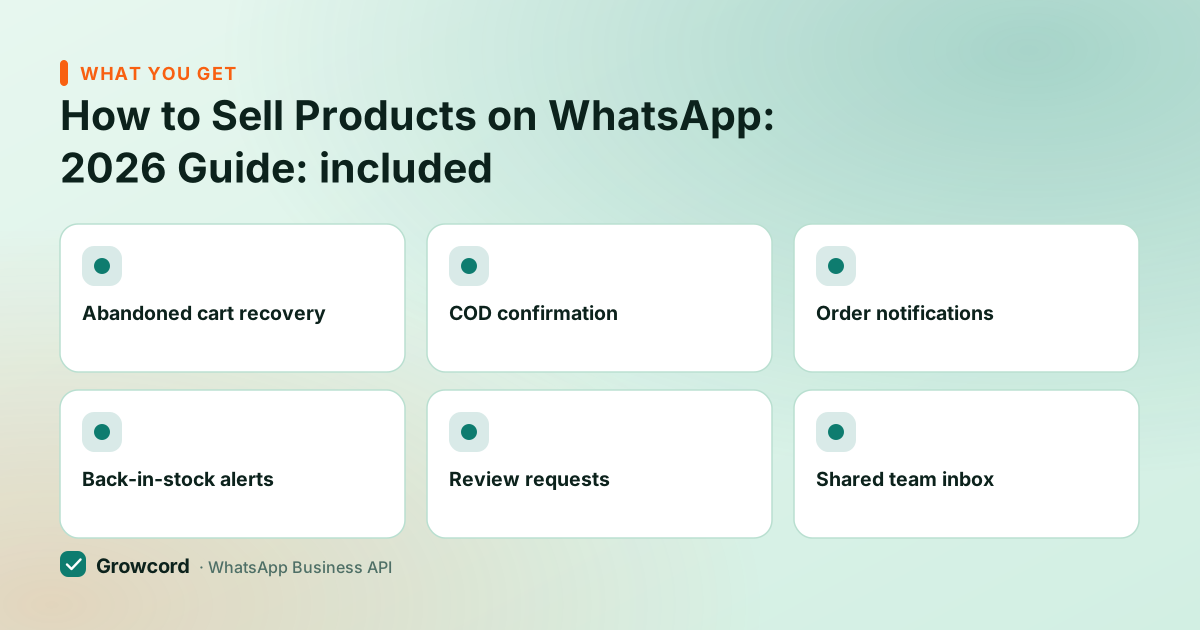
Abandoned cart recovery
Store visitors who added items but didn't pay get a reminder with a link back to their cart.
COD confirmation
An automatic confirm/cancel message on every cash-on-delivery order filters fakes before you ship.
Order notifications
Confirmed, shipped, out-for-delivery, sent automatically from your store events.
Back-in-stock alerts
Customers who asked for a sold-out item get a message the moment it returns.
Review requests
A post-delivery message that collects ratings and Google reviews while the order is fresh.
Shared team inbox
Every order chat visible to the whole team, with assignment, no more one-phone bottleneck.
Open your WhatsApp shop this week
Growcord's free tier, 1 number, 50 conversations a month, is enough to set up the catalog, test the order flow and take your first payments before paying anything.
Start free, no card neededWhy Growcord
What you get here that you don't get elsewhere
Frequently asked questions
Can I sell on WhatsApp without a website?
Yes. The catalog acts as your product page, the in-chat cart takes orders, and UPI or payment links collect money, a complete shop with no website. Many Indian home businesses run entirely this way. A website becomes useful later for discovery and scale, but it is not a requirement to start selling.
How do customers pay me on WhatsApp in India?
Three common routes: a UPI ID or QR shared in chat, a payment-gateway link (Razorpay and similar) sent as a message, or cash on delivery. On the API, payment links can be attached to order flows automatically, and COD orders can get an automatic confirmation message to weed out fakes.
What products are banned from WhatsApp catalogs?
As of August 2026, Meta's Commerce Policy prohibits catalog listings for alcohol, tobacco, drugs, weapons and ammunition, live animals, adult products, real-money gambling, and certain medical, healthcare and financial products, among others. Items in barred categories get rejected at review; repeated violations can disable the catalog or restrict the account.
How many products can I add to a WhatsApp catalog?
The WhatsApp Business app supports up to 500 items per catalog as of August 2026. Catalogs connected through the API live in Meta's Commerce Manager, which supports far larger inventories and can sync automatically from Shopify, WooCommerce or a product feed instead of manual entry.
Do I need the Business API to sell on WhatsApp?
Not to start, the free Business app covers catalog, cart and payments for a small operation. You need the API when volume outgrows one phone: automated order updates, cart recovery, COD confirmation, broadcasts beyond 256 saved contacts, and multiple staff answering one number are all API-side capabilities.
Is selling on WhatsApp legal in India?
Yes, fully. Sales through WhatsApp are ordinary e-commerce: the Consumer Protection (E-Commerce) Rules, 2020 apply, honest pricing, clear return and refund terms, and GST registration and invoicing rules work exactly as for any other sales channel. There is no special licence needed to sell through chat.
Why businesses pick Growcord
Official WhatsApp Business API
Built on Meta's Cloud API, the sanctioned channel, not a modded app. No number-ban roulette.
Indian pricing, GST invoice
Plans from ₹99/month billed yearly. Paid in ₹ via Razorpay, with a proper GST invoice every time.
Free tier, no card needed
1 number and 50 conversations a month to prove it on real customers before paying anything.
Support from New Delhi, in IST
A real team on email and WhatsApp, Monday to Saturday 10:00–19:00 IST, not a ticket void.
Talk to us
Get set up on WhatsApp this week
Tell us what you sell and how many customers you message. We'll reply on WhatsApp with the plan that fits and, if you want it, walk you through the Meta approval step.
- No sales call unless you ask for one
- Answers from the team that builds it, in IST hours
- Free tier available. You can start before you decide
Keep reading
Related guides and comparisons
Last updated: 2026-08-07