

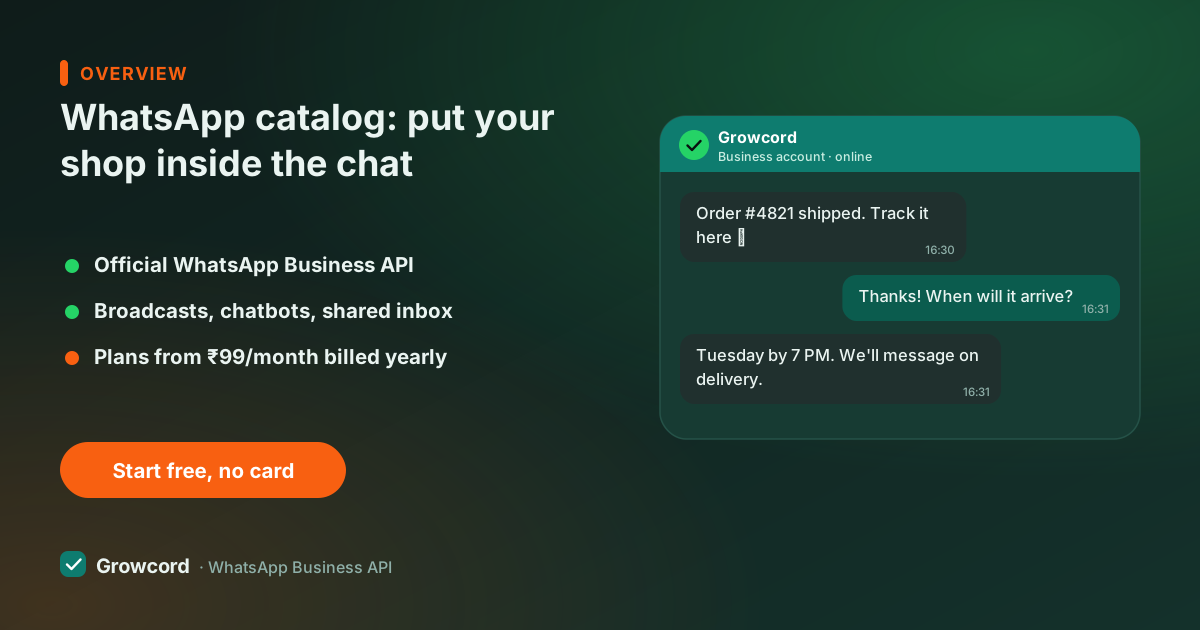
Why photo dumps and PDF price lists stop working
Most Indian sellers start the same way: a customer asks "kya kya hai?", and someone on the team forwards fifteen photos, a rate list PDF, and a voice note. It works at ten enquiries a day. At a hundred, it breaks, prices in old screenshots go stale, nobody remembers which customer was quoted what, and every new enquiry costs ten minutes of copy-paste.
A catalog fixes the source-of-truth problem. Products live in one place with a name, photo, price, and description. When the price of a chain or a kurti changes, you change it once, and every product message sent after that shows the new price. Customers tap a product, see the details in a proper card, and add it to a cart, the same buying pattern they know from every shopping app.
What the catalog does on the API that the app can't
The free WhatsApp Business app lets you build a catalog and share products one chat at a time, by hand. On the API, the catalog becomes something you can *send programmatically*:
- Single-product messages, one item as a rich card, good for "this is the one you asked about".
- Multi-product messages, a scrollable selection of up to 30 items grouped into sections, good for "here's our bestseller range".
- Catalog messages, a button that opens your full catalog inside the chat.
- Cart orders, when a customer adds items and hits send, you receive a structured order message with items, quantities and the total, not a screenshot.
Because these are interactive messages inside an open conversation, they don't need template approval, you only need an approved template when you're starting the conversation, which the 24-hour window guide explains properly.
Selling from a catalog in Growcord
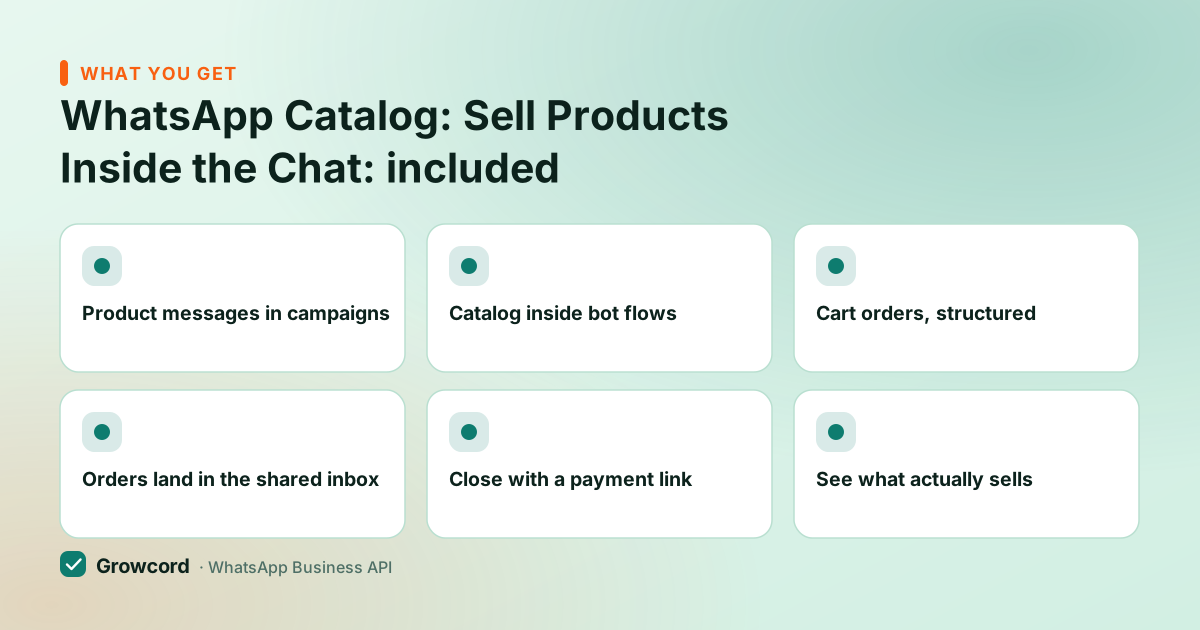
Product messages in campaigns
Send a multi-product message to a tagged segment, Diwali collection to last year's Diwali buyers, new arrivals to repeat customers.
Catalog inside bot flows
A no-code flow can answer 'show me sarees under 2,000' with the right products at 11 pm, without waking anyone up.
Cart orders, structured
Orders arrive with items, quantities and totals as data, ready to confirm, not a photo of a list to retype.
Orders land in the shared inbox
Your team sees every catalog order next to the chat history, assigns it, and replies from the same screen.
Close with a payment link
Reply to the order with a Razorpay, UPI or any payment-gateway link in the same chat and the sale completes where it started.
See what actually sells
Campaign reports show which product messages got replies and orders, so the next send is better targeted.
How to set up a WhatsApp shop
Create the catalog in Meta Commerce Manager
Add products with photos, prices and descriptions, it's free. If you already sell on Facebook or Instagram, you can reuse the same catalog.
Connect the catalog to your API number
Link the catalog to your WhatsApp Business Account, then connect that number to Growcord. The connection guide takes you through both.
Send product messages
Use single or multi-product messages in campaigns, bot flows and one-to-one replies. Keep prices honest and in stock, Meta reviews catalog items against its commerce policy.
Take the order, confirm, collect
The cart order lands in your inbox. Confirm availability, send a payment link, and let the order-update automations handle shipping messages from there.
What selling on WhatsApp costs
The catalog itself costs nothing, Meta doesn't charge for Commerce Manager or for keeping products listed. What you pay for is the messaging and the platform. In Growcord, catalog and cart messaging is part of the Commerce plan at ₹1,999/month (₹999/month billed yearly), which includes 5,000 conversations a month, CRM pipelines and 15 chatbot flows, it's the plan built for stores doing real volume.
Lighter plans start at ₹299/month (₹99/month billed yearly) if you only need broadcasts and order alerts, and there's a free tier with 50 conversations a month to try the platform. Meta's per-conversation fees apply on top, billed as credits at Meta's published rate with zero markup, we earn on the plan, not on your orders. The pricing page lays all of it out, and subscriptions carry a 7-day unconditional money-back guarantee.
One honest caveat: Meta's commerce policy restricts some categories from catalogs in India (the usual suspects, alcohol, tobacco, supplements and a few more). If you sell in a grey area, read the WhatsApp commerce guide before building the catalog, and check how D2C brands run the full funnel around it.
Put your products where your customers already are
Free tier includes 1 number and 50 conversations a month, enough to set up the catalog and take your first orders before paying anything.
Start free, no card neededWhy Growcord
What you get here that you don't get elsewhere
Frequently asked questions
Is the WhatsApp catalog free?
Yes. Creating and maintaining a catalog in Meta Commerce Manager (or in the WhatsApp Business app) is free, with no listing fees. Costs only start when you message at scale: Meta's per-conversation fees, plus your platform plan, catalog messaging in Growcord is part of the Commerce plan at ₹999/month billed yearly.
How many products can I add to a WhatsApp catalog?
The WhatsApp Business app currently caps a catalog at 500 items; catalogs managed through Meta Commerce Manager can hold far more. A single multi-product message can show up to 30 items grouped into sections, so for large catalogs you send curated selections rather than the whole list.
Can customers pay inside WhatsApp?
Not natively for most Indian businesses yet, WhatsApp's built-in payments has had a limited rollout. The reliable pattern is to reply to the cart order with a payment link (Razorpay, UPI, or any gateway) in the same chat. The customer pays in two taps and the conversation keeps the full record.
What is the difference between the catalog on the Business app and on the API?
The catalog data is the same; the sending is not. On the free app you share products manually, one chat at a time. On the API you send single- and multi-product messages in campaigns and bot flows, receive structured cart orders, and answer from a team inbox, that's what makes it a sales channel instead of a brochure.
Can I sync my Shopify or WooCommerce products to the catalog?
Product sync happens on Meta's side. Shopify has a Facebook & Instagram channel that pushes products into Commerce Manager, and the same catalog attaches to WhatsApp. Growcord's Shopify and WooCommerce integrations handle the order side: abandoned-cart messages, COD confirmation, shipping updates and review requests.
Do product messages need template approval?
Not inside an open conversation. Single-product, multi-product and catalog messages are interactive session messages, so they go out instantly within the 24-hour customer service window. To start a conversation cold, say, a festive collection broadcast, you use an approved template first, and follow with product messages once the customer replies.
Why businesses pick Growcord
Official WhatsApp Business API
Built on Meta's Cloud API, the sanctioned channel, not a modded app. No number-ban roulette.
Indian pricing, GST invoice
Plans from ₹99/month billed yearly. Paid in ₹ via Razorpay, with a proper GST invoice every time.
Free tier, no card needed
1 number and 50 conversations a month to prove it on real customers before paying anything.
Support from New Delhi, in IST
A real team on email and WhatsApp, Monday to Saturday 10:00–19:00 IST, not a ticket void.
Talk to us
Get set up on WhatsApp this week
Tell us what you sell and how many customers you message. We'll reply on WhatsApp with the plan that fits and, if you want it, walk you through the Meta approval step.
- No sales call unless you ask for one
- Answers from the team that builds it, in IST hours
- Free tier available. You can start before you decide
Keep reading
Related guides and comparisons
Last updated: 2026-08-07