

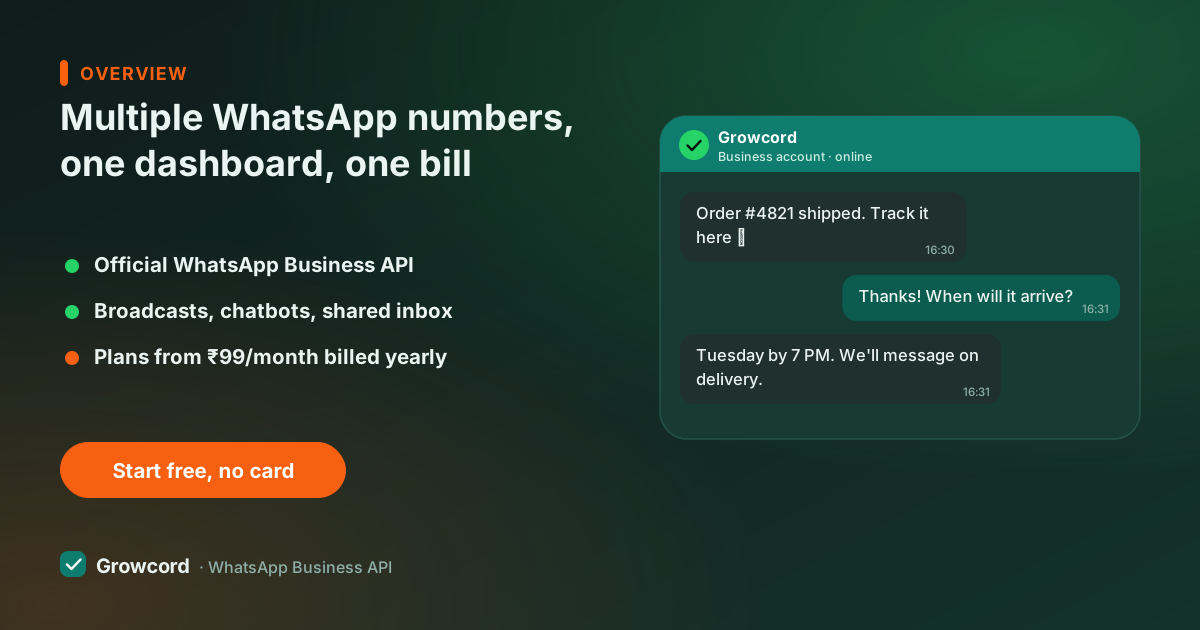
When one number stops being enough
The reasons arrive one by one. Sales and support share a number and the promo broadcasts bury the "where is my order" messages. A second brand launches and messaging customers about sarees from the electronics shop's number looks wrong. A new branch opens in another city and wants a local presence. An agency signs its fourth client and each one needs their own line.
The instinctive fix, another SIM in another phone with another copy of the Business app, works for exactly one number, then turns into a drawer of devices. Every extra phone is a separate login, a separate contact list, a separate person who "has that chat", and zero shared visibility. When the person holding the sales phone goes on leave, that number effectively closes.
Ways to manage multiple WhatsApp numbers
There are really only two: more phones, or the API. On the WhatsApp Business API, a number isn't attached to a device at all, it's registered in the cloud, and a platform like Growcord presents every number you own in a single dashboard. The comparison below is the honest version of that choice.
More phones vs the API, honestly
| Business app on separate phones | Growcord (official API) | |
|---|---|---|
Devices needed | One phone per number, kept charged and online | ✓ None, numbers live in the cloud |
Who can answer | Whoever is holding that phone | ✓ Your whole team, with roles |
All chats in one view | ✗ Switch phones to switch numbers | ✓ One dashboard, every number |
Automation per number | ✗ One greeting and one away message | ✓ Bots, auto replies and campaigns per number |
Reports | ✗ None | ✓ Campaign and conversation reports |
Cost | Phones + SIMs + coordination | Plan + ₹299/mo per extra number + Meta fees |
Business app behaviour is Meta's published product design; API behaviour as implemented in Growcord. Checked August 2026.
One dashboard, many numbers: how it works in Growcord
Numbers in Growcord belong to your organisation, not to a device or a person. Each number keeps its own public identity, display name, business profile, greeting, while the team, billing wallet and dashboard stay shared.
Conversations show which number they belong to, so a support agent answering the support line and a salesperson broadcasting from the brand line are working the same screen without stepping on each other. Team roles decide who sees and sends from which parts of the operation.
Each number also runs its own automation. The support number can answer with an FAQ bot and order-status replies; the sales number greets new enquiries with a qualifying flow; the second brand's number speaks in the second brand's voice. Campaigns are sent from whichever number the audience actually knows, which is precisely the point of having more than one.
A few Meta-side facts worth knowing before you add numbers. Every number is verified once with an OTP (a voice call works for landlines), and after that no SIM or phone needs to stay active.
A number currently used in the WhatsApp or WhatsApp Business app has to be moved off the app before it can join the API. It can't live in both places at once. And Meta scores quality per number, so each line earns its own messaging tier; the messaging limits guide explains how those tiers grow.
What a multi number WhatsApp API setup costs
Growcord's plans include one connected number to start, with more numbers available as you move up plans, and any plan can add another number for a flat ₹299/month. There's no per-number platform surcharge beyond that: the team inbox, bots, campaigns and reports cover every number you connect.
Meta's conversation fees apply per conversation regardless of which number sends it, billed as credits at Meta's published rate with zero markup; the conversation pricing guide breaks down the categories and the pricing page lists every plan and add-on, including the 7-day money-back guarantee on subscriptions.
For comparison shopping: agencies managing several client numbers usually care most about this maths, and the agency page works through that setup in detail.
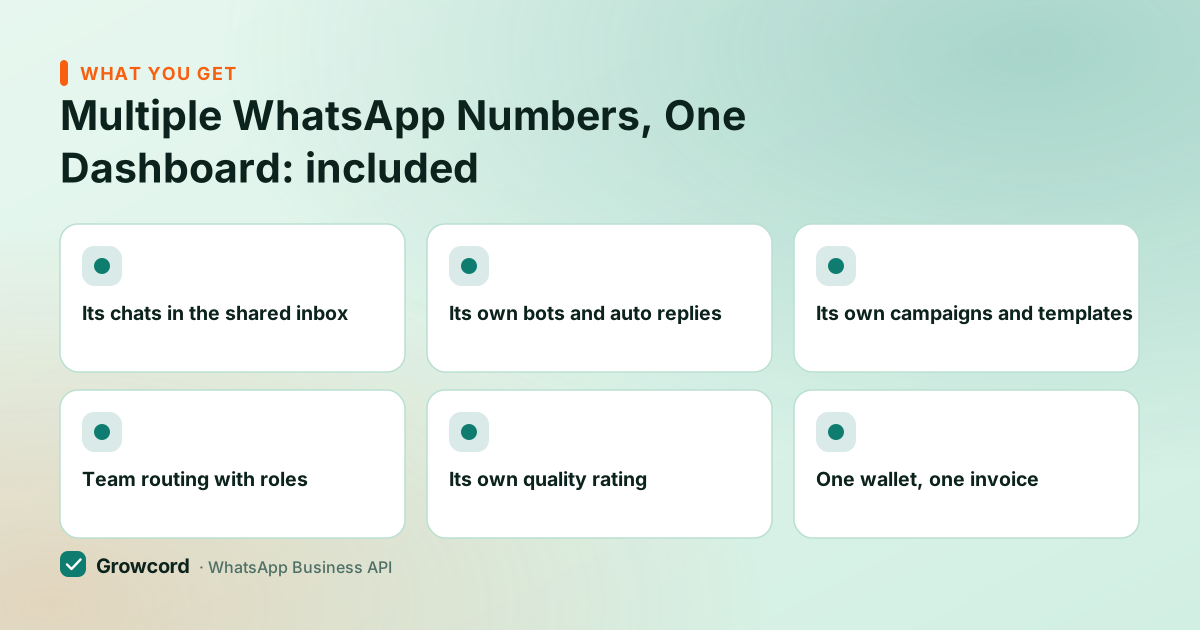
What each connected number gets
Its chats in the shared inbox
Conversations are labelled by number, and the whole team works them from one place, no phone-swapping.
Its own bots and auto replies
The support line runs an FAQ flow; the sales line runs lead qualification. Automation is set per number.
Its own campaigns and templates
Broadcast from the number and brand name the audience recognises, with templates managed for each line.
Team routing with roles
Point the support team at the support number and keep the intern away from the broadcast button.
Its own quality rating
Meta rates each number separately, so a marketing experiment on one line doesn't drag down the others.
One wallet, one invoice
Conversation credits and plan billing stay at the organisation level, one Razorpay payment, one GST invoice.
Adding a second number
Pick the number
A fresh SIM, a virtual number or even a landline, it only has to receive one verification OTP (or a voice call) during setup.
Connect it in Growcord
Add the number from your dashboard and complete Meta's verification. If the number is on the Business app today, move it off the app first.
Give it an identity
Set the display name and business profile, and submit the first templates it will send from.
Point the team and bots at it
Assign who handles the new line, switch on its greeting and auto replies, and it's live in the same inbox as everything else.
Add the second number without the second phone
Start free with one number, then add sales, support or a second brand at ₹299/month each, all in one dashboard.
Start free, no card neededWhy Growcord
What you get here that you don't get elsewhere
Frequently asked questions
Can I have 2 WhatsApp numbers for one business?
Yes. On the WhatsApp Business API there's no one-number restriction. A business can register multiple numbers and run them side by side. In Growcord they sit under one organisation: separate identities and bots per number, one shared dashboard, team and bill. The only real constraint is that each number must be verified once with an OTP or voice call.
Can I use the same number on the WhatsApp app and the API?
No. A number is active in one place at a time. To bring an existing Business-app number onto the API you migrate it: the app stops working for that number and the API takes over. Many businesses instead keep the old number where it is and put a new number on the API, then move the main number once they're comfortable.
How much does each extra WhatsApp number cost?
In Growcord, an additional number is a flat ₹299/month add-on on any plan, with higher plans including more connected numbers out of the box. On top of that, Meta's normal per-conversation fees apply to whatever each number sends, billed as credits at cost with zero markup, there's no hidden per-number platform fee.
Do I need a separate phone or SIM for each number?
No. A number on the API lives in the cloud, so no device stays attached to it. You need access to the number exactly once, to receive the verification OTP or voice call during setup. After that the SIM can sit in a drawer; messages are sent and answered from the Growcord dashboard.
Can different teams manage different numbers?
Yes. Conversations carry their number, and team roles control who works where, support agents on the support line, sales on the sales line, a manager across everything. Everyone uses the same dashboard, so handovers between teams are a reassignment, not a forwarded screenshot.
If one of my numbers gets restricted, are the others affected?
Quality is scored per number, so a low rating or paused messaging tier on one line doesn't automatically touch the rest. The honest caveat: Meta enforces its policies at the business level too, so serious violations, spam to purchased lists, prohibited content, can put the whole business account at risk. Clean opt-ins protect every number at once.
Why businesses pick Growcord
Official WhatsApp Business API
Built on Meta's Cloud API, the sanctioned channel, not a modded app. No number-ban roulette.
Indian pricing, GST invoice
Plans from ₹99/month billed yearly. Paid in ₹ via Razorpay, with a proper GST invoice every time.
Free tier, no card needed
1 number and 50 conversations a month to prove it on real customers before paying anything.
Support from New Delhi, in IST
A real team on email and WhatsApp, Monday to Saturday 10:00–19:00 IST, not a ticket void.
Talk to us
Get set up on WhatsApp this week
Tell us what you sell and how many customers you message. We'll reply on WhatsApp with the plan that fits and, if you want it, walk you through the Meta approval step.
- No sales call unless you ask for one
- Answers from the team that builds it, in IST hours
- Free tier available. You can start before you decide
Keep reading
Related guides and comparisons
Last updated: 2026-08-07