

Why a WhatsApp click to chat button beats a contact form
A contact form asks the visitor to do paperwork and then wait, and most Indian traffic is on a phone where WhatsApp is one tap away. The economics favour the button in three specific ways.
First, friction: typing a question into a familiar chat is faster than filling name-email-phone-message and hoping. Second, truth: form fields get filled with junk numbers, but a WhatsApp message arrives from the visitor's real, reachable identity the moment they say hi.
Third, the thread survives, a form enquiry dies in an inbox, while a WhatsApp chat is a permanent channel you can (with consent) follow up on next week. That's why the button is one of the highest-yield lead generation changes a small site can make.
Add WhatsApp to your website with a wa.me link
Meta's click-to-chat format is just a URL:
- Base link:
https://wa.me/919876543210, your number with the country code, no plus sign, no spaces or dashes. - Pre-filled message: add
?text=with URL-encoded text, e.g.https://wa.me/919876543210?text=Hi%2C%20I%20have%20a%20question, the visitor's chat opens with the message already typed, so they only press send. - The button itself: wrap the link in an anchor,
<a href="https://wa.me/919876543210?text=Hi">Chat with us on WhatsApp</a>, and style it however your site styles buttons.
Our free WhatsApp link generator builds the URL with the encoding handled, and the click-to-chat links guide covers the format in more depth. On phones the link opens the WhatsApp app; on desktops it opens WhatsApp Web. The visitor needs nothing installed on your site's side.
One tip worth stealing: vary the pre-filled text by page. A button on the pricing page that opens with "Hi, I have a question about pricing", versus "Hi, is the blue kurta set available in M?" on a product page, tells you exactly what the visitor wants before they say another word, and tells you which pages produce enquiries.
A WhatsApp chat widget without a plugin
The familiar floating green circle in the bottom-right corner is nothing more than the same anchor with a few lines of CSS: fix its position with position: fixed, pin it with bottom: 24px; right: 24px, make it a 56px circle in WhatsApp green (#25D366) with the logo inside, and keep the tap target at least 44px for thumbs. Ten lines of code, no external script.
That matters for speed. Third-party chat-widget scripts are convenient, and on WordPress or Shopify there are plenty of plugins, but each one adds JavaScript your visitors download before the page settles, which is exactly what Google's page-experience metrics punish.
A plain link-plus-CSS button weighs close to nothing, loads with the page, and can't break when a vendor's script does. If you'd rather not touch code at all, most site builders (WordPress block editor, Shopify theme sections, Wix) let you paste the anchor into a custom HTML block and position it from the theme settings.
For walk-in and print audiences, the same link works offline as a QR code, our QR code generator turns any wa.me link into a scannable poster for the counter or the delivery box.
Put the button up in four steps
Build the link
Take your number with country code and add a pre-filled first message. The free link generator handles the URL encoding.
Add it to the site
Paste the anchor into your footer, header or a custom HTML block, WordPress, Shopify, Wix and hand-coded sites all take it the same way.
Make it float
Style it as a fixed green circle in the bottom-right with a 44px-plus tap target, or keep it as an inline button next to your phone number.
Answer instantly
Connect the number to Growcord so an auto reply greets each click within seconds and the chat lands in your team's shared inbox.
After the click: what Growcord adds
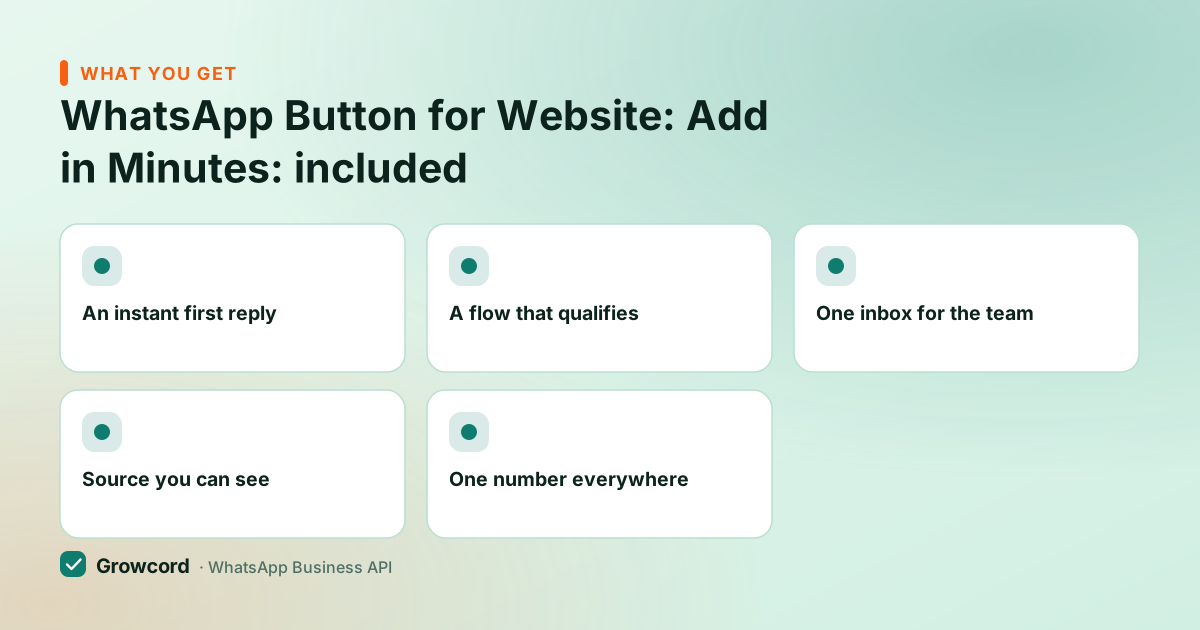
An instant first reply
An auto reply acknowledges every website chat within seconds, including the 11 pm ones the team would otherwise miss.
A flow that qualifies
A no-code bot asks what the visitor needs, shares the catalog or books the appointment before a human joins.
One inbox for the team
Website chats sit beside every other conversation in the shared inbox, assigned to whoever is on duty.
Source you can see
Distinct pre-filled text per page tells you which page sent the lead, tag it, and the tag becomes a segment for later campaigns.
One number everywhere
The same number behind the website button also lives in your Instagram bio, on the shop's QR poster and in your ads.
What the button costs, and when the API is worth adding
The button itself costs nothing, forever. A wa.me link is a public Meta feature, the CSS is yours, and our link and QR generators are free without an account. If a lone founder answers every chat personally from the Business app, that setup is complete, and it is enough for a handful of enquiries a day.
The API side becomes worth it when the clicks outgrow one person: enquiries arriving after hours, a team that needs to share the load, or questions so repetitive a bot should absorb them. Growcord's free tier (1 number, 50 conversations a month) is a sensible first step, the auto reply and shared inbox work on it.
Paid plans start at ₹299/month (₹99/month billed yearly) with a 7-day money-back guarantee, plus Meta's per-conversation fees billed as credits at Meta's published rate with zero markup; the pricing page lays out the full table. A useful footnote on those fees: chats your website visitors start are customer-initiated, which is the cheapest kind of conversation to handle.
Put the button up today, answer every click tomorrow
Generate your link free, paste it into your site, and connect the number on the free tier when the chats start coming.
Start free, no card neededWhy Growcord
What you get here that you don't get elsewhere
Frequently asked questions
How do I add a WhatsApp button to my website?
Create a click-to-chat link, https://wa.me/ followed by your number with country code, no plus sign, wrap it in an anchor tag, and add it to your site's footer or a custom HTML block. Style it as a floating green circle with a few lines of CSS if you want the classic widget look. No plugin or external script is required on any platform.
Is a WhatsApp chat button free?
Yes, completely. The wa.me click-to-chat link is a standard Meta feature, the button is your own HTML and CSS, and Growcord's link and QR generators are free without signing up. Costs only appear if you add software behind the number, team inbox, auto replies, bots, and even there Growcord's free tier covers 1 number and 50 conversations a month.
Does the WhatsApp button work on desktop computers?
Yes. On a phone the link opens the WhatsApp app directly; on a desktop it opens WhatsApp Web (or the WhatsApp desktop app if installed), where the visitor scans a QR once and then chats normally. You don't need separate links for mobile and desktop, wa.me handles the routing itself.
How do I pre-fill a message when someone clicks the button?
Add ?text= to the link with your message URL-encoded, spaces become %20, commas %2C. For example: https://wa.me/919876543210?text=Hi%2C%20I%20saw%20your%20website. The visitor's chat opens with that message already typed. Use different pre-filled text on different pages so you know which page each enquiry came from.
Do I need the WhatsApp Business API for a chat button?
No. The button works with any WhatsApp number, including a plain Business app number. The API matters for what happens after the click: instant auto replies at any hour, a bot that handles repeat questions, and a shared inbox so a whole team can answer from one number. Add it when the volume outgrows one person and one phone.
Will a WhatsApp widget slow my website down?
A link-and-CSS button won't, it's a few hundred bytes with no JavaScript, so it has no measurable effect on load time or Core Web Vitals. Third-party widget scripts are the ones that can hurt, since each adds an external script request. If page speed matters to you, use the plain snippet rather than an embedded widget service.
Why businesses pick Growcord
Official WhatsApp Business API
Built on Meta's Cloud API, the sanctioned channel, not a modded app. No number-ban roulette.
Indian pricing, GST invoice
Plans from ₹99/month billed yearly. Paid in ₹ via Razorpay, with a proper GST invoice every time.
Free tier, no card needed
1 number and 50 conversations a month to prove it on real customers before paying anything.
Support from New Delhi, in IST
A real team on email and WhatsApp, Monday to Saturday 10:00–19:00 IST, not a ticket void.
Talk to us
Get set up on WhatsApp this week
Tell us what you sell and how many customers you message. We'll reply on WhatsApp with the plan that fits and, if you want it, walk you through the Meta approval step.
- No sales call unless you ask for one
- Answers from the team that builds it, in IST hours
- Free tier available. You can start before you decide
Keep reading
Related guides and comparisons
Last updated: 2026-08-07