

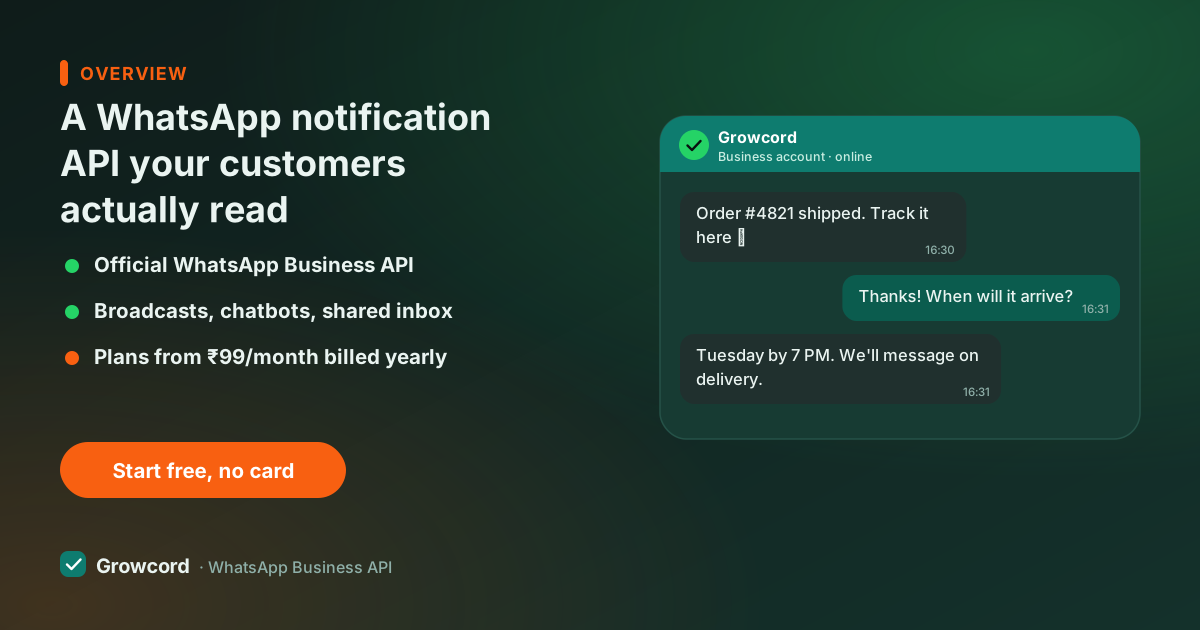
What counts as a notification on WhatsApp
Meta sorts every business-initiated message into a category, and the category decides the price and the rules. A utility message is tied to a transaction the customer already has with you "your order #2214 has shipped", "₹1,499 is due on Friday", "your appointment is tomorrow at 4 pm". A marketing message promotes something, offers, restocks, newsletters. An authentication message carries an OTP, which has its own template type and page.
The distinction matters for two reasons. Utility messages are the cheapest business-initiated category, and Meta currently doesn't charge for utility templates delivered inside an already-open customer service window. And Meta's reviewers reclassify templates that smuggle promotion into a "utility" shell "your order shipped, also here's 20% off" gets priced as marketing. Keep alerts clean and they stay cheap.
Why teams move alerts from SMS to WhatsApp
SMS in India means DLT registration, sender-ID headers, template registration with an operator, and then messages that land in a folder most phones now bury.
WhatsApp notifications need template approval too, but after that you get things SMS never gave you: per-message delivery and read receipts over webhooks, media and buttons in the message (a PDF invoice, a "Track order" button), and a reply channel. When a customer answers "can you deliver after 6 pm?", that reply lands somewhere a human or a chatbot can act on it. An SMS reply goes nowhere.
The honest caveat: WhatsApp needs a data connection and the app installed. For OTPs and critical alerts, teams usually keep an SMS fallback for the small slice of numbers that fail, the delivery webhook tells you exactly which ones did.
Common notifications and their template category
| Notification | Category | Typical trigger |
|---|---|---|
Order confirmation | Utility | Order placed in your store |
Shipping / delivery update | Utility | Courier webhook or status change |
Payment due reminder | Utility | Invoice date, EMI schedule |
Appointment reminder | Utility | 24 hours and 2 hours before the slot |
Account alert (low balance, plan expiry) | Utility | Threshold crossed in your system |
OTP / login code | Authentication | Login or signup attempt |
Offer, restock, newsletter | Marketing | Campaign send, priced higher |
Categories are assigned by Meta at template approval. Utility inside an open service window is currently not charged; rates as of August 2026, see the conversation pricing guide for current numbers.
What the notification API gives you in Growcord
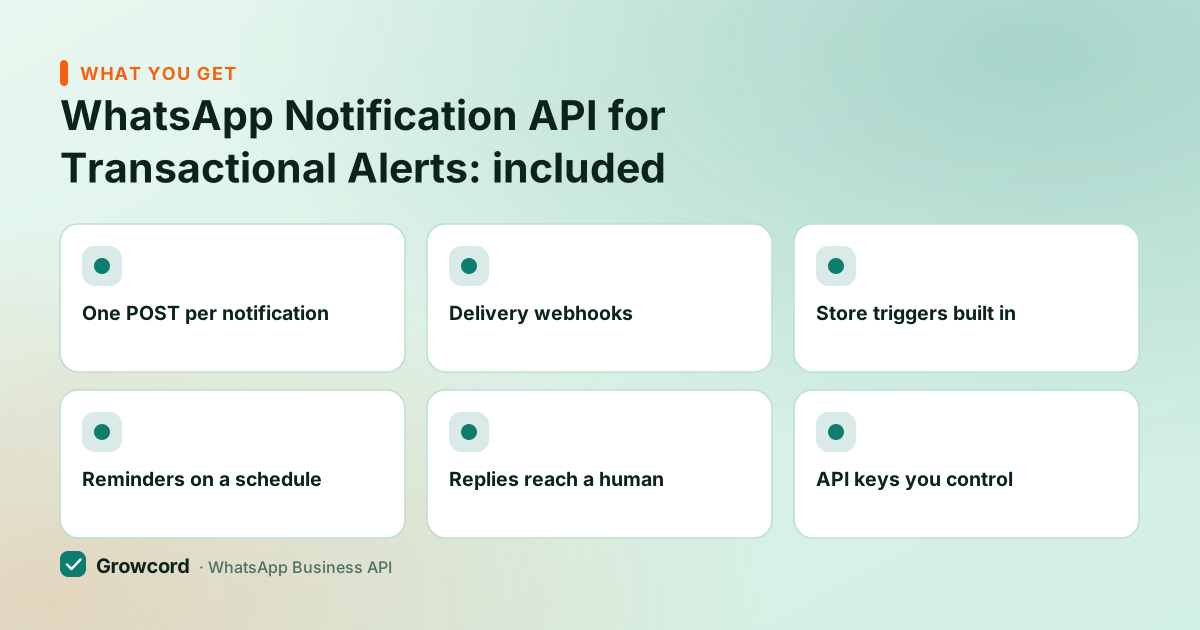
One POST per notification
Send an approved template by name with variables, order number, amount, date, from any backend that can make an HTTPS call.
Delivery webhooks
Sent, delivered, read and failed events pushed to your endpoint, so your system knows which alerts landed.
Store triggers built in
Shopify and WooCommerce integrations fire order, shipping and COD notifications without you writing the plumbing.
Reminders on a schedule
Payment and appointment reminders go out at the time you set, no cron jobs on your side unless you want them.
Replies reach a human
When a notification gets a reply, the conversation continues in the shared team inbox instead of dying in a no-reply void.
API keys you control
Scoped, revocable keys per system, the billing service and the CRM don't have to share credentials.
How to start sending notifications
Connect your WhatsApp number
Sign up, connect a number to the official Cloud API through Growcord's guided flow. The free tier is enough to build against.
Create utility templates
Write each notification with merge fields, {{order_id}}, {{amount}}, {{date}}, and submit to Meta from the dashboard. Clean utility templates usually approve quickly.
Trigger from your stack
Call the REST API from your backend, connect Shopify or WooCommerce, or wire anything else through Zapier and custom webhooks.
Watch delivery, handle replies
Status webhooks feed your system; analytics show delivery and read rates per template; replies land in the inbox for your team.
What notifications cost
Two parts. Growcord's Basic plan, built exactly for transactional alerts, is ₹299/month, or ₹99/month billed yearly, with 200 conversations included, order and shipping automations, and API access with one key. Higher plans add more conversations, keys and team seats.
On top, Meta bills per message by category: utility runs commonly around ₹0.12 in India, and utility templates delivered inside an open 24-hour service window are currently free. There's no markup on message costs, Meta's fees pass through as credits at Meta's published rate. The conversation pricing guide explains the categories, and the pricing page has every plan plus the 7-day money-back guarantee on subscriptions.
Compare that with what the alert is worth: one delivery-update message that stops a "where is my order?" call, or one payment reminder that lands before the due date, usually pays for a month of alerts on its own.
Ship your first alert today
Free tier includes 50 conversations a month, wire up an order-confirmation template and see the read receipts come back.
Start free, no card neededWhy Growcord
What you get here that you don't get elsewhere
Frequently asked questions
What is the difference between utility and marketing messages?
Utility messages relate to a transaction the customer already has, order updates, payment reminders, appointment confirmations, and are the cheapest business-initiated category. Marketing messages promote something and cost several times more per message in India. Meta assigns the category at template approval and will reclassify a 'utility' template that contains promotional content.
Can I send WhatsApp notifications without the user's opt-in?
No. Meta requires opt-in for business-initiated messages, including transactional ones. In practice this is easy: a checkbox at checkout, a line in your signup flow, or a keyword reply all count. The opt-in guide covers formats that hold up. Messaging people who never agreed shows up as blocks and hurts your quality rating.
How fast do WhatsApp notifications get delivered?
Typically within seconds of the API call, and the delivery webhook confirms it per message. That's the practical difference from SMS: you don't just send and hope, sent, delivered, read and failed events come back to your endpoint, so a failed OTP or alert can trigger an SMS fallback automatically.
What does one notification cost in India?
Meta bills utility messages at commonly around ₹0.12 each in India, and utility templates sent inside an already-open 24-hour service window are currently free. Growcord passes Meta's fees through at cost as credits, so the platform fee, from ₹99/month billed yearly, is the only fixed cost.
Can my ERP, CRM or billing software send WhatsApp alerts?
Yes, three ways: call the REST API directly from your backend (any language that makes HTTPS calls), connect through Zapier if your tool supports it, or use custom webhooks. Shopify and WooCommerce stores get native integrations with the common ecommerce notifications prebuilt.
Do notification templates need Meta approval?
Yes, every business-initiated template is reviewed by Meta before use. Plain transactional templates usually approve within minutes to a few hours. Keep promotional language out of utility templates: mixing in offers gets the template classified and priced as marketing, or rejected outright.
Why businesses pick Growcord
Official WhatsApp Business API
Built on Meta's Cloud API, the sanctioned channel, not a modded app. No number-ban roulette.
Indian pricing, GST invoice
Plans from ₹99/month billed yearly. Paid in ₹ via Razorpay, with a proper GST invoice every time.
Free tier, no card needed
1 number and 50 conversations a month to prove it on real customers before paying anything.
Support from New Delhi, in IST
A real team on email and WhatsApp, Monday to Saturday 10:00–19:00 IST, not a ticket void.
Talk to us
Get set up on WhatsApp this week
Tell us what you sell and how many customers you message. We'll reply on WhatsApp with the plan that fits and, if you want it, walk you through the Meta approval step.
- No sales call unless you ask for one
- Answers from the team that builds it, in IST hours
- Free tier available. You can start before you decide
Keep reading
Related guides and comparisons
Last updated: 2026-08-07