

An empty chair still costs full rent
A no-show isn't a neutral event. The dentist's chair, the physio's table, the salon seat, the 5 pm tuition batch, the rent, salaries and electricity for that slot were spent whether or not the customer walked in. Worse, the slot was blocked: someone else who wanted it was turned away.
Most no-shows aren't rudeness, either. People book a week ahead, life happens, and the appointment quietly falls out of their head, and the phone call your receptionist makes to confirm gets declined because nobody answers unknown-feeling calls anymore.
Some businesses respond by double-booking and hoping the maths works out. That fixes revenue on paper and breaks it in the waiting room.
Booking confirmation to final nudge: the reminder automation
The fix is not one reminder but a short sequence, and WhatsApp is the channel where it actually gets seen. The moment a booking is made, a booking confirmation on WhatsApp goes out with the date, time, address and any prep instructions, which also kills the "did my booking go through?" calls. The day before, a reminder arrives with Confirm and Reschedule buttons. A few hours before, a short nudge catches the genuine forgetters.
The buttons are the important part. A silent no-show costs you the slot; a one-tap cancellation the evening before gives you time to offer it to the next person. Cancellations and reschedule requests land in the shared team inbox, or a bot offers alternative slots on the spot, with no phone call in either direction.
We're not going to quote you a no-show reduction percentage; the honest version is that your own report shows your real number within a fortnight of switching this on.
The reminder schedule that most businesses settle on
| When | Message | The job it does |
|---|---|---|
Moment of booking | Confirmation with date, time, location and prep notes | Ends the "did it go through?" calls |
24 hours before | Reminder with Confirm / Reschedule buttons | Surfaces cancellations while the slot can still be refilled |
2–3 hours before | Short nudge, directions or parking note | Catches the forgetters on the day |
After the visit | Thank-you with a rebooking prompt or review ask | Turns one visit into a routine, see review requests |
Timings are adjustable per business, a salon may skip the 24-hour step for same-day bookings.
What the automation gives you
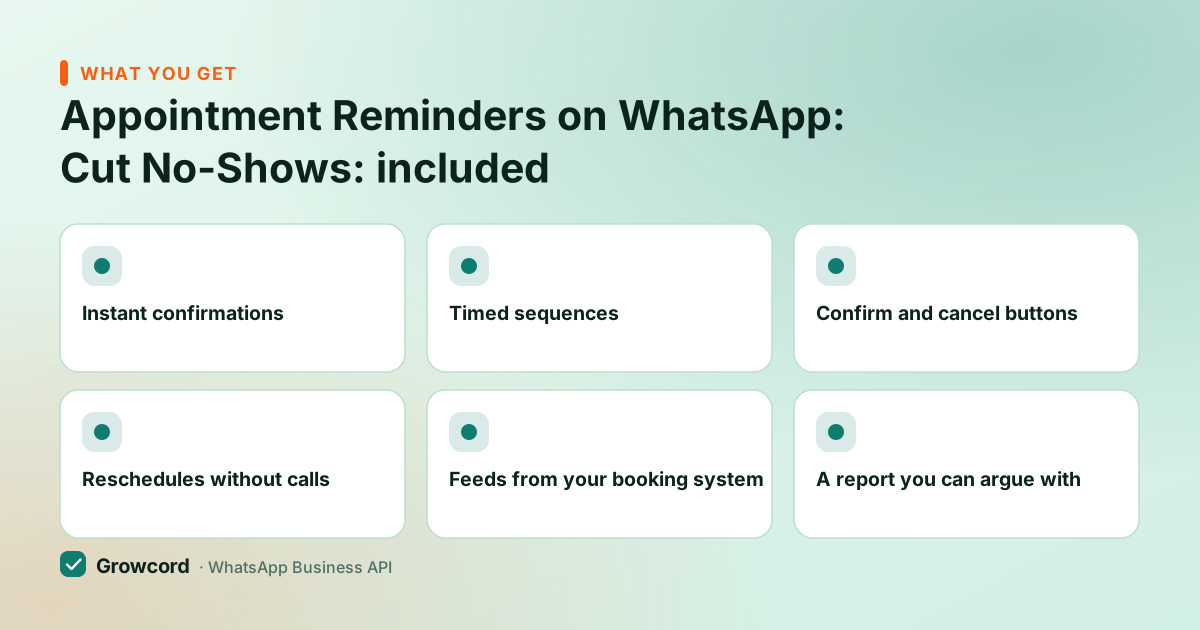
Instant confirmations
Every booking is acknowledged on WhatsApp within seconds, with the details the customer will search for later.
Timed sequences
24-hour and 2-hour reminders send themselves, no receptionist working through a call list.
Confirm and cancel buttons
One tap tells you who's coming. Silent no-shows become visible cancellations you can act on.
Reschedules without calls
A bot flow offers alternative slots when someone cancels, so the conversation finishes itself.
Feeds from your booking system
Trigger reminders from booking software via the REST API, webhooks or Zapier, or run a simple diary from CSV uploads.
A report you can argue with
Confirmed, cancelled and unanswered counts per day, your actual no-show picture, not a feeling.
How it works in Growcord
Connect your WhatsApp number
Link your number to the official API from the Growcord dashboard; [how to get the WhatsApp Business API](/how-to-get-whatsapp-business-api/) walks through the Meta side.
Create the reminder templates
Confirmation, day-before and same-day templates with merge fields for name, date, time and location. Meta approval usually takes minutes to a few hours.
Feed it your bookings
Simple diary? Upload a CSV and schedule the sends. Booking software or a website form? Connect it with Zapier, webhooks or the REST API so every new booking starts its own sequence.
Handle the replies
Button taps update the conversation instantly. Reschedules go to a bot flow or the shared inbox, and the day's confirmed list is ready before you open.
The arithmetic for a clinic with 25 appointments a day
Take a physiotherapy clinic: 25 slots a day at ₹600 a session. Every no-show is ₹600 of booked-but-unbilled time, so even two a day is ₹1,200 daily, over ₹30,000 a month of already-sold capacity walking out the door.
Now the other side of the ledger: three utility messages per appointment, at roughly ₹0.12–0.13 each in India (checked August 2026), is under ₹0.40 per booking, about ₹250 a month in Meta fees for the whole diary, plus the plan fee.
We can't promise how many of your no-shows convert to confirmations or refillable cancellations; that depends on your customers. But the cost of finding out is a few hundred rupees against tens of thousands at stake, and the report gives you the real number within two weeks.
What it costs
Basic is ₹299/month, ₹99/month billed yearly, with 200 conversations included; Startup at ₹799/month (₹399 yearly) covers 1,000, which is where a busy multi-chair practice lands. Meta's per-message fees are billed as credits at Meta's published rate with no Growcord markup, and reminders are utility messages, the cheapest category.
The subscription has a 7-day unconditional money-back guarantee, and unused credits stay in the wallet. Full details on the pricing page. If your bookings involve advance payment, pair the sequence with payment reminders or a payment link in the chat. Industry-specific playbooks: healthcare, salons and spas, gyms.
Fill the slots you already sold
Free tier includes 50 conversations a month, run a two-week reminder pilot on your real diary before paying anything.
Start free, no card neededWhy Growcord
What you get here that you don't get elsewhere
Frequently asked questions
How do I send automatic appointment reminders on WhatsApp?
Use the WhatsApp Business API through a platform like Growcord: create approved reminder templates, then feed in bookings, a CSV with scheduled campaigns for a simple diary, or a live connection from your booking software via Zapier, webhooks or the REST API. Each booking then gets a confirmation instantly, a reminder the day before and a nudge a few hours ahead, without anyone typing a message.
Do WhatsApp reminders actually reduce no-shows?
Clinics and service businesses commonly report meaningful drops, but the honest answer is that the rate depends on your customers, and you'll see your own number in the campaign report within a couple of weeks. The mechanism is simple: WhatsApp messages tend to be read within minutes, and a one-tap cancel button converts silent no-shows into cancellations you can refill.
Can customers confirm or cancel from the message itself?
Yes. Templates support quick-reply buttons, so the reminder carries Confirm and Reschedule (or Cancel) directly. A tap updates the conversation instantly, confirmations need no follow-up, while cancellations land in your inbox or trigger a bot that offers alternative slots, so the freed slot can go to the next person on your list.
Can I connect my clinic or salon booking software?
Yes, three ways: Zapier (no code, most booking tools have a trigger for new appointments), a webhook from your software to Growcord, or the REST API if you run custom software. If you keep bookings in a register or spreadsheet, a daily CSV upload with scheduled campaigns does the same job with five minutes of admin.
What does an appointment reminder cost to send?
Reminders are utility messages, roughly ₹0.12–0.13 each in India as of August 2026, so a three-message sequence costs under ₹0.40 per appointment in Meta fees. On top sits the Growcord plan, from ₹299/month or ₹99/month billed yearly. A 25-appointment-a-day practice spends around ₹250 a month on Meta fees for the entire diary.
Will sending reminders get my WhatsApp number blocked?
No, reminders about an appointment the customer booked are utility messages to opted-in contacts, sent through the official API with Meta-approved templates. That's the sanctioned use of the channel. Bans hit unofficial bulk tools and businesses that message people who never asked to hear from them. Keep an opt-out and your quality rating stays healthy.
Why businesses pick Growcord
Official WhatsApp Business API
Built on Meta's Cloud API, the sanctioned channel, not a modded app. No number-ban roulette.
Indian pricing, GST invoice
Plans from ₹99/month billed yearly. Paid in ₹ via Razorpay, with a proper GST invoice every time.
Free tier, no card needed
1 number and 50 conversations a month to prove it on real customers before paying anything.
Support from New Delhi, in IST
A real team on email and WhatsApp, Monday to Saturday 10:00–19:00 IST, not a ticket void.
Talk to us
Get set up on WhatsApp this week
Tell us what you sell and how many customers you message. We'll reply on WhatsApp with the plan that fits and, if you want it, walk you through the Meta approval step.
- No sales call unless you ask for one
- Answers from the team that builds it, in IST hours
- Free tier available. You can start before you decide
Keep reading
Related guides and comparisons
Last updated: 2026-08-07