

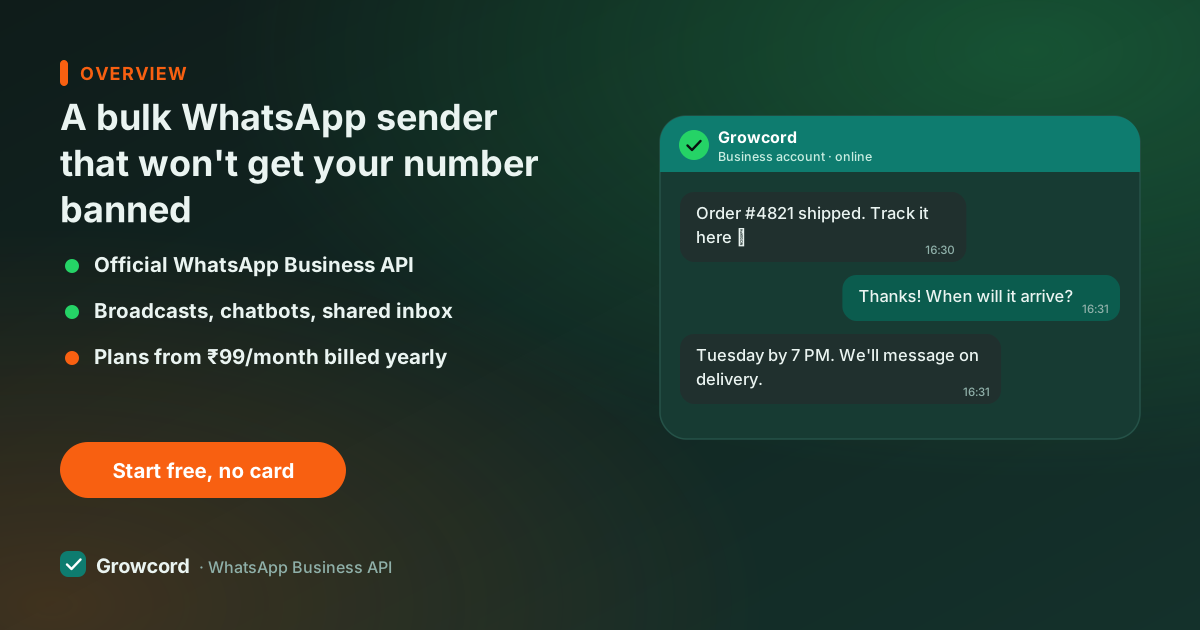
Why most WhatsApp bulk message senders get numbers banned
Search for "bulk WhatsApp sender" and the first tools you'll find are desktop software, Chrome extensions and modded apps that puppet the regular WhatsApp, firing hundreds of identical messages from an account built for human typing.
Meta's systems are tuned to spot exactly that pattern: identical text, machine-speed sending, messages to people who never wrote to you. The ban usually lands mid-campaign, and it takes the number with it, your chats, your groups, the number printed on your shop board and visiting cards. There's a full breakdown in why WhatsApp bans numbers.
The frustrating part is that the sellers of these tools know this. That's why they're sold with "number cooldown" tips and advice to keep backup SIMs, a workflow built around losing numbers. If bulk messaging matters to your business, the channel has to be one Meta sanctions.
How to send bulk WhatsApp messages officially
The WhatsApp Business API is that channel, the same one banks and airlines use for their notifications. Bulk sending on the API works differently in three ways:
- Templates, not free text. The message is approved by Meta before it can be sent in bulk, with merge fields for the parts that change per contact. Approval usually takes minutes to a few hours.
- Opted-in lists. You message people who agreed to hear from you, a checkout tick-box, a keyword reply, a QR scan. The opt-in guide shows formats that hold up.
- Quality tiers, not hard caps. New API numbers can message 1,000 unique customers per day, and the tier rises automatically to 10,000, 100,000 and beyond when recipients don't block or report you. The messaging limits guide explains how tiers grow.
Sent this way, bulk messaging is a supported product feature rather than a cat-and-mouse game. Our guide to bulk sending without bans goes deeper on keeping quality ratings healthy.
Unofficial sender vs the official API, honestly
| Unofficial bulk tools | Growcord (official API) | |
|---|---|---|
Ban risk | ✗ High, violates WhatsApp terms | ✓ None, the sanctioned bulk channel |
Reaches unsaved contacts | Unreliable | ✓ Every opted-in contact |
Personalisation | ✗ Same text for all, or crude | ✓ Merge fields per contact |
Delivery/read reports | ✗ None you can trust | ✓ Per campaign and per contact |
Replies | Land on one phone | ✓ Shared team inbox, or a bot answers |
Scheduling | ✗ Rarely | ✓ Any date and time |
Cost | Tool licence + burned numbers | From ₹99/mo billed yearly + Meta's fees at cost |
Unofficial-tool behaviour is Meta's published policy on automated use of the consumer apps; API behaviour as implemented in Growcord. Checked August 2026.
What a bulk send looks like in Growcord
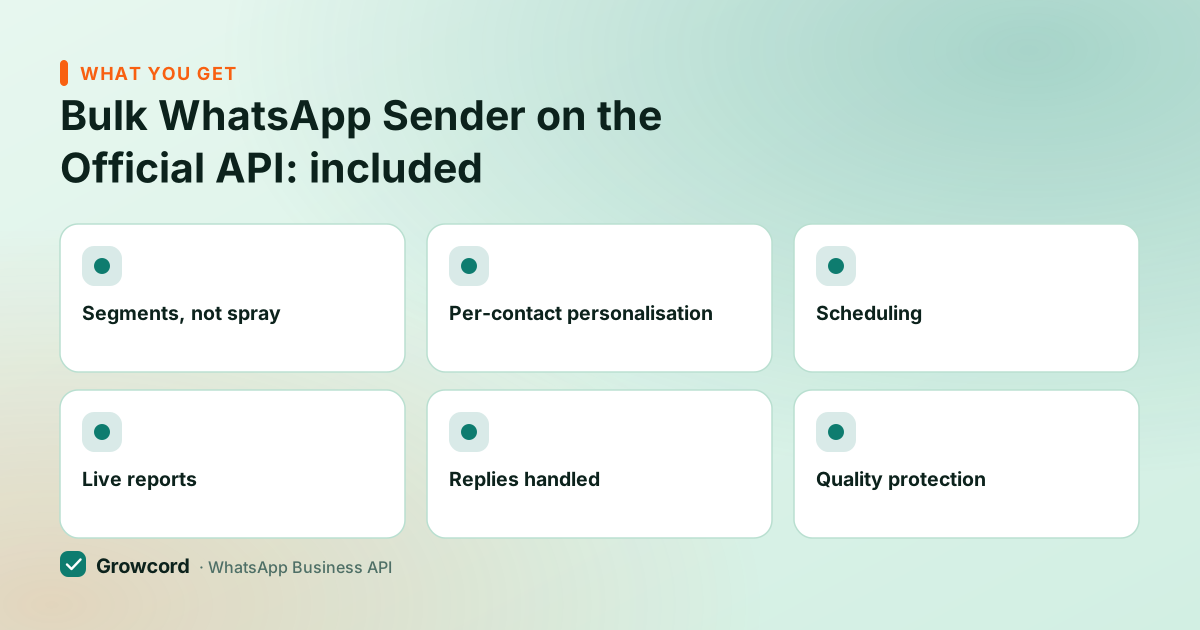
Segments, not spray
Send to tags, repeat buyers, Rakhi enquiries, COD customers, instead of blasting the full list every time.
Per-contact personalisation
Name, order ID, due amount, city, any contact field merges into the template, so 5,000 messages read like 5,000 messages.
Scheduling
Queue the send for Sunday 11 am and close the laptop. It goes out on time without anyone logged in.
Live reports
Delivered, read and replied counts update as the send runs, next to the campaign's credit cost.
Replies handled
Answers flow into the shared inbox for your team, or a chatbot flow picks them up first.
Quality protection
Approved templates and opt-in lists keep your quality rating green, which is what keeps your daily tier growing.
Your first official bulk send
Import your opted-in contacts
Upload a CSV or sync from Shopify/WooCommerce. Tag contacts as they come in, tags become the audiences you send to.
Get a template approved
Write the message with merge fields and submit it to Meta from inside Growcord. Text, image, PDF and button templates all go through the same review.
Pick the audience and schedule
Choose tags or the full list, set the time, and review the estimated credit cost before you confirm.
Watch the report, work the replies
Track delivery and reads live, and answer replies from the shared inbox while the campaign is still warm.
What official bulk messaging costs
Two parts, both visible before you press send. Growcord's plan fee starts at ₹299/month (₹99/month billed yearly); the free tier gives you 1 number and 50 conversations a month to test with. On top, Meta charges per conversation by category, a marketing conversation in India runs roughly ₹0.78–0.88 depending on volume, so a 1,000-contact promotional send costs about ₹850 in Meta fees.
Growcord bills these as credits at Meta's published rate with zero markup, we earn on the subscription, not on your messages, and shows the estimate before every send. The conversation pricing guide explains the categories, and the pricing page lists every plan. If the plan doesn't earn its keep, subscriptions carry a 7-day unconditional money-back guarantee, and unused credits stay in your wallet.
That's more than a pirated desktop tool costs, until you price in replacing a banned number, re-printing materials, and the customers who can no longer reach you. Official bulk messaging is the version where the channel still works next month. If you're weighing bulk sends against a full campaign workflow with drips and follow-ups, both run on the same templates and credits.
Run your first bulk send the safe way
Free tier includes 50 conversations a month, prove delivery and read rates on a real segment before paying anything.
Start free, no card neededWhy Growcord
What you get here that you don't get elsewhere
Frequently asked questions
Is sending bulk WhatsApp messages legal?
Yes, through the official WhatsApp Business API with opted-in recipients, that's the channel Meta built for bulk business messaging. What breaches WhatsApp's terms is automating the consumer apps with third-party bulk tools, and what breaches trust (and your quality rating) is messaging people who never agreed to hear from you.
How many bulk WhatsApp messages can I send per day?
New API numbers start at 1,000 unique customers per 24 hours. The tier rises automatically to 10,000, then 100,000, then effectively unlimited, as you send with good quality, few blocks, few reports. Most businesses that message opted-in lists reach the next tier within days.
Will people receive my bulk message if they haven't saved my number?
Yes. API messages reach every opted-in contact whether or not they saved you, showing your verified business name. That's a key difference from the Business app's broadcast lists, which only deliver to people who have your number in their address book.
What happens if I use a free bulk WhatsApp sender tool?
Expect the number to be banned, Meta actively detects automation of the regular WhatsApp apps, and bans typically arrive mid-campaign. You lose the number, its chat history, and every customer who knows it. Free tools cost the most of any option here; the maths only looks good until the first ban.
How much does it cost to send 10,000 bulk WhatsApp messages?
Roughly ₹7,800–8,800 in Meta marketing-conversation fees at India's current rates (about ₹0.78–0.88 each), plus your Growcord plan, Startup at ₹799/month (₹399/month billed yearly) suits this volume. Growcord shows the exact credit estimate before you confirm, so there are no surprises after the send.
Can I personalise each message in a bulk send?
Yes. Templates take merge fields, so every message can carry the contact's name, order number, due amount or any other field you store. Personalised sends read as individual chats to the customer and typically hold better read and reply rates than one identical blast.
Why businesses pick Growcord
Official WhatsApp Business API
Built on Meta's Cloud API, the sanctioned channel, not a modded app. No number-ban roulette.
Indian pricing, GST invoice
Plans from ₹99/month billed yearly. Paid in ₹ via Razorpay, with a proper GST invoice every time.
Free tier, no card needed
1 number and 50 conversations a month to prove it on real customers before paying anything.
Support from New Delhi, in IST
A real team on email and WhatsApp, Monday to Saturday 10:00–19:00 IST, not a ticket void.
Talk to us
Get set up on WhatsApp this week
Tell us what you sell and how many customers you message. We'll reply on WhatsApp with the plan that fits and, if you want it, walk you through the Meta approval step.
- No sales call unless you ask for one
- Answers from the team that builds it, in IST hours
- Free tier available. You can start before you decide
Keep reading
Related guides and comparisons
Last updated: 2026-08-07