

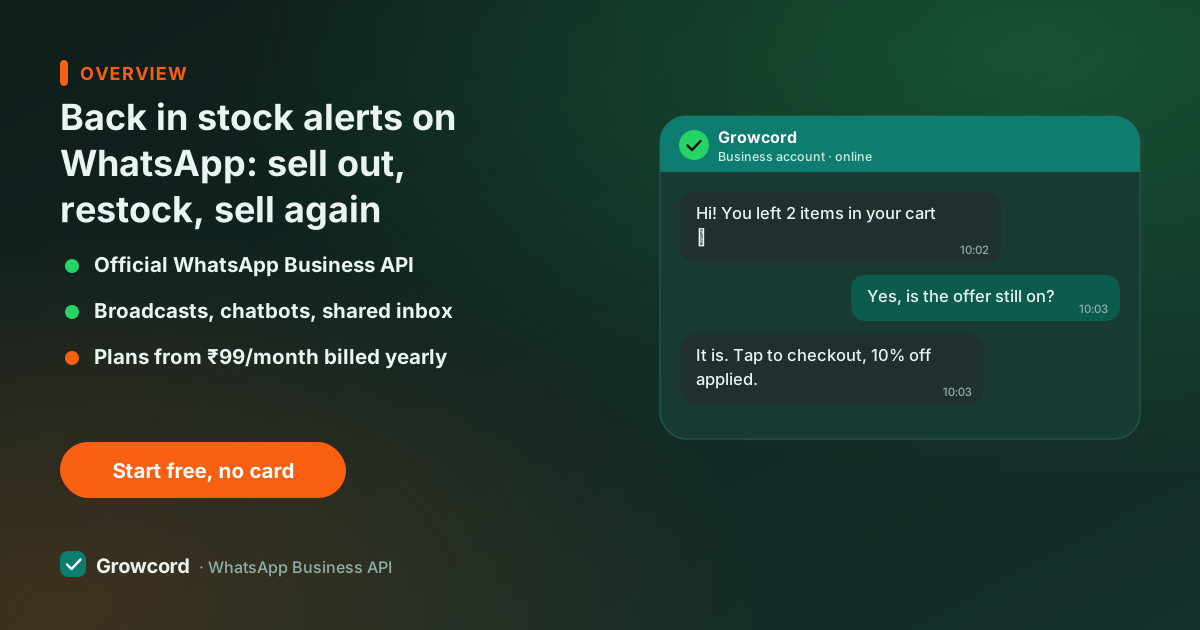
A sold-out product is demand you already paid for
You spent on the ad, the shopper clicked, landed, wanted the product, and met "Out of stock." On most stores that's the end: the shopper leaves, forgets your brand's name by evening, and buys elsewhere when the mood returns.
When you restock two weeks later, the announcement is an Instagram story a fraction of followers see and a newsletter that lands in Promotions. The demand didn't die; you just had no way to reach it.
This bites hardest for exactly the stores that sell out often, small-batch D2C, handloom sarees, jewellery drops, sneakers, seasonal foods. Selling out is part of the model. Losing the waitlist shouldn't be.
How restock alerts on WhatsApp work
Capture first: a Notify me on WhatsApp button on the out-of-stock product page, a click-to-chat link or QR code, or a keyword reply, each subscriber lands in Growcord's contacts tagged with the exact product they asked about.
Then the product availability alert itself: when inventory goes above zero in Shopify or WooCommerce, the integration fires the approved template to that product's tag automatically, or you press send yourself the morning stock arrives. The message names the product, shows the price, and carries one button to the product page. Replies "is the red one back too?", land in the shared team inbox, where a person or a bot answers.
What the waitlist automation handles
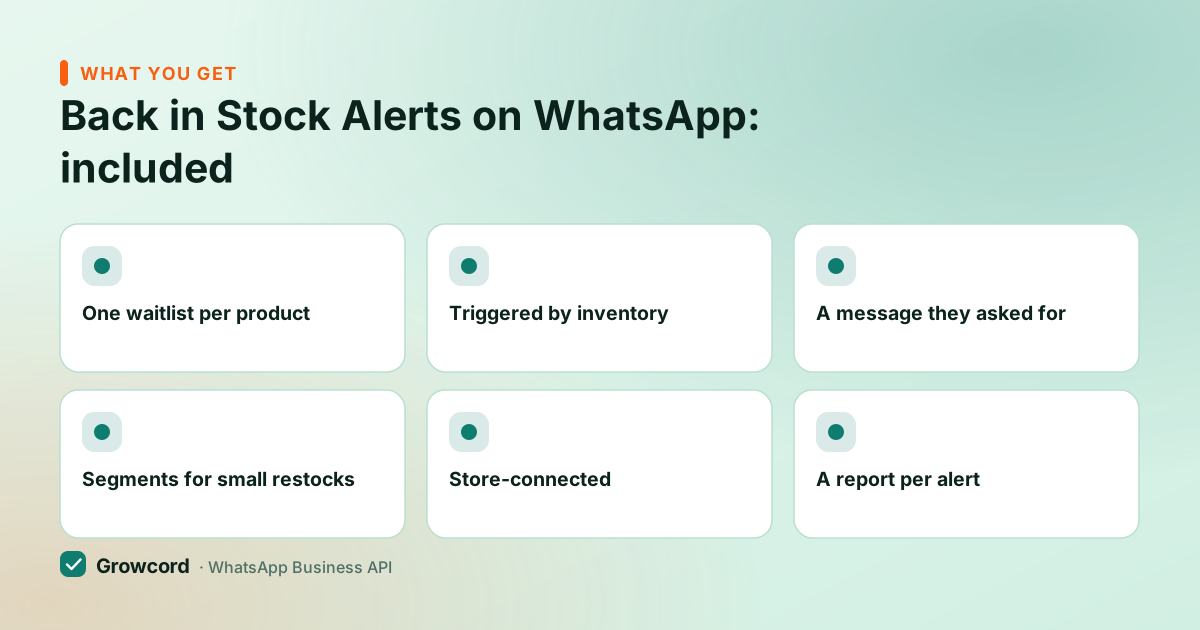
One waitlist per product
Subscribers are tagged with the product they asked for, so alerts go only to people who wanted that exact item.
Triggered by inventory
Shopify and WooCommerce stock updates can fire the alert on their own; a manual campaign covers everything else.
A message they asked for
The template names the product, shows the price, and links straight to it, one tap from alert to checkout.
Segments for small restocks
Restocked 40 pieces against a 400-person waitlist? Alert a segment first, then the rest with the next batch.
Store-connected
Native Shopify and WooCommerce integrations; a webhook covers custom carts and inventory systems.
A report per alert
Delivered, read, replied and the credit cost of the send, next to the orders that followed it.
From sold out to sold again
Add the capture point
A Notify-me button, click-to-chat link or QR on the sold-out product page. Subscribers get tagged with the product automatically.
Approve the alert template
Product name, price, image and a buy button, submitted to Meta from inside Growcord. Approval usually takes minutes to hours.
Restock
The inventory update triggers the send, or you fire the campaign yourself when the stock physically lands.
Answer the replies
Size, colour and COD questions arrive in the team inbox or a bot flow, each one is a purchase being decided.
Waitlist messages that sell without shouting
The copywriting job here is small, because the intent already exists. Name the product, say it's back, link it: "Good news, Ananya, the Kundan jhumkas (₹1,850) you asked about are back in stock.
Tap to order." If the restock is genuinely limited, say so plainly "38 pieces in this batch", and never fake it; scarcity theatre is what teaches customers to ignore you. One alert per restock is enough. If the piece sells out again, the cycle simply repeats, and for subscribers who clicked but didn't buy, a drip campaign can follow up once without you touching anything.
The arithmetic on a 150-person waitlist
Restock alerts are marketing conversations, roughly ₹0.78–0.88 each in India, so alerting 150 waiting shoppers costs about ₹130. What comes back depends on your product and its price, and the honest way to estimate is with your own assumptions: these people asked to be told, so apply whatever conversion rate you believe and multiply by your average order value.
At 10% and a ₹1,400 AOV, that ₹130 send brings 15 orders, ₹21,000. At 3%, four or five orders. Either way the send cost barely moves the sum.
The automation is included in every plan, starting with Basic at ₹299/month, ₹99/month billed yearly, and the free tier's 50 monthly conversations are plenty to test on one sold-out product. Meta's fees are billed as credits at Meta's published rate with no Growcord markup, and the subscription has a 7-day unconditional money-back guarantee. Full details on the pricing page.
Never restock into silence again
Put a Notify-me button on your sold-out pages this week and let the waitlist build. Free tier: 1 number, 50 conversations a month.
Start free, no card neededWhy Growcord
What you get here that you don't get elsewhere
Frequently asked questions
How do customers join a WhatsApp waitlist for a product?
Through a Notify-me button on the out-of-stock product page, a click-to-chat link, or a QR code, any of which opens a WhatsApp chat where the request is recorded and the contact is tagged with that product in Growcord. The request itself is the opt-in; keep it on record and you're compliant.
Can the alert send automatically when I update stock in Shopify?
Yes. With the Shopify or WooCommerce integration connected, an inventory update on a watched product can trigger the alert to that product's waitlist without anyone pressing send. If you'd rather control timing, say, announcing at 11 am. You can fire the campaign manually to the same tag.
What does a restock alert cost to send?
Restock alerts count as marketing conversations, roughly ₹0.78–0.88 each in India at Meta's current rates, so a 200-person waitlist costs around ₹170 to message. Growcord shows that estimate before the send and charges Meta's published rate with no markup on top. The plan sits underneath it: Basic is ₹299/month, or ₹99/month if you pay for the year.
Are back in stock alerts allowed under WhatsApp's rules?
Yes, when the customer asked for them, and with this flow they always did, by tapping Notify me or messaging you. Send an approved template, keep the message about the product they requested, and honour any stop request. That's squarely inside Meta's opt-in rules; see our opt-in guide.
What if I restock fewer pieces than the waitlist size?
Alert a segment first, the earliest subscribers, or your repeat buyers, and message the rest with the next batch. Be plain that quantity is limited. It's better than alerting 400 people to 40 pieces and disappointing 360 of them, and segments in Growcord are just filtered tags.
Why businesses pick Growcord
Official WhatsApp Business API
Built on Meta's Cloud API, the sanctioned channel, not a modded app. No number-ban roulette.
Indian pricing, GST invoice
Plans from ₹99/month billed yearly. Paid in ₹ via Razorpay, with a proper GST invoice every time.
Free tier, no card needed
1 number and 50 conversations a month to prove it on real customers before paying anything.
Support from New Delhi, in IST
A real team on email and WhatsApp, Monday to Saturday 10:00–19:00 IST, not a ticket void.
Talk to us
Get set up on WhatsApp this week
Tell us what you sell and how many customers you message. We'll reply on WhatsApp with the plan that fits and, if you want it, walk you through the Meta approval step.
- No sales call unless you ask for one
- Answers from the team that builds it, in IST hours
- Free tier available. You can start before you decide
Keep reading
Related guides and comparisons
Last updated: 2026-08-07