

When you need a template, and when you don't
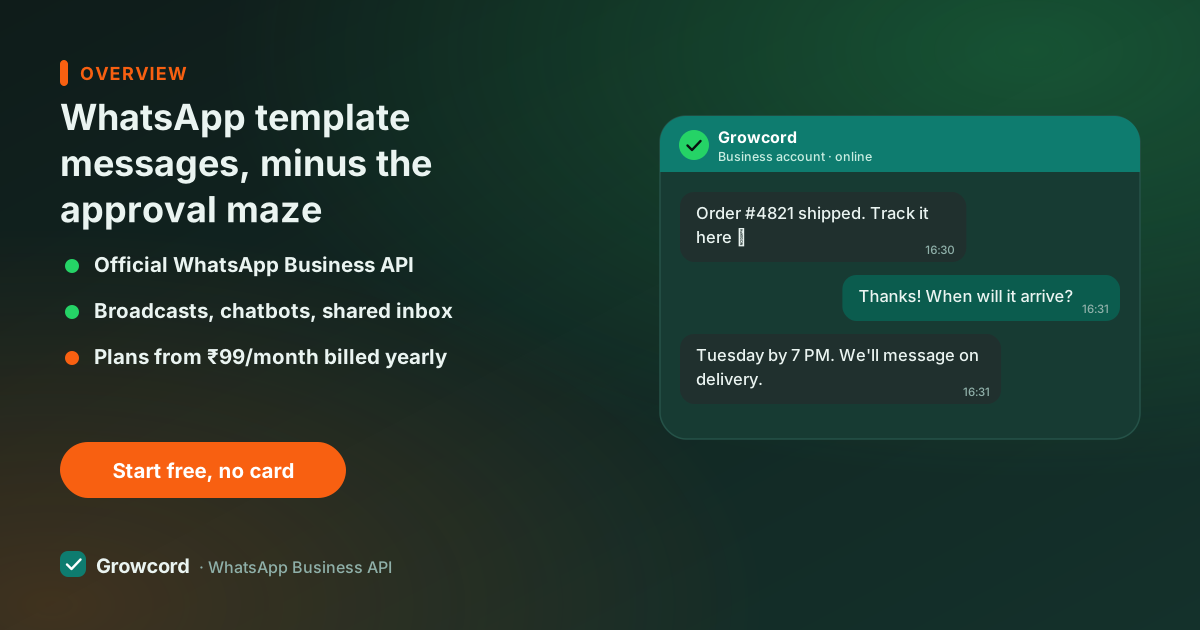
The rule that everything else hangs on: when a customer messages you, a 24-hour service window opens in which you can reply with anything, free text, images, whatever the conversation needs, no approval involved. Templates exist for the other direction.
Starting a conversation (a campaign, an order update, a reminder) or replying after the window closes requires a template Meta has already approved, sent to a contact who opted in. The 24-hour window guide walks through the mechanics with examples.
This design is why WhatsApp isn't drowning in spam the way SMS is, and why approved-template traffic keeps its delivery rates. The approval step feels like friction the first week and like protection ever after.
Marketing, utility and authentication templates
Meta sorts every template into one of three categories, and the category is not cosmetic. It sets the review bar and the per-conversation price. Utility templates in India cost a fraction of marketing ones, which is why tagging an order update correctly matters to your bill.
One trap worth knowing: Meta's systems judge the category from the content, not from your label. A "utility" template that ends with an offer or a promo code gets recategorised, or approved as marketing and billed accordingly. Since Meta tightened categorisation enforcement, the honest rule is simple: if the message tries to sell anything, it's marketing.
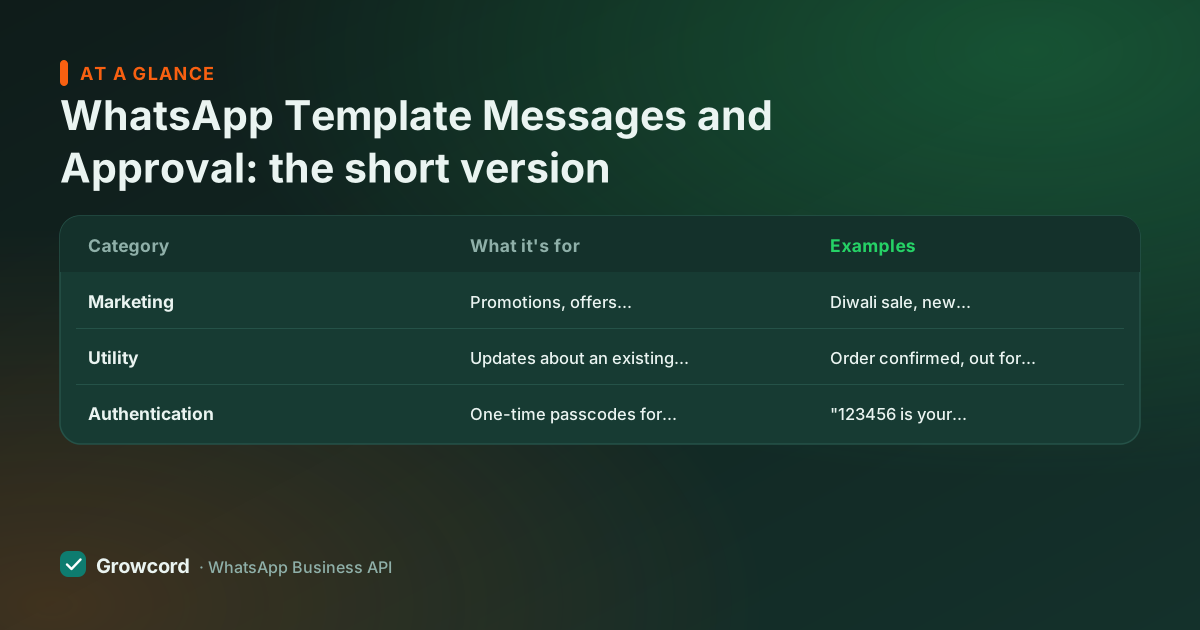
The three template categories
| Category | What it's for | Examples | Cost and review |
|---|---|---|---|
Marketing | Promotions, offers, announcements, winback | Diwali sale, new collection, restock alert with offer | Costliest, commonly around ₹0.78–0.88 per conversation; strictest review |
Utility | Updates about an existing order or account | Order confirmed, out for delivery, payment received, appointment reminder | A fraction of the marketing rate; fastest approval when genuinely non-promotional |
Authentication | One-time passcodes for login or verification | "123456 is your verification code" | Low cost; rigid fixed format with a code button |
Category behaviour per Meta's template documentation; India price ranges are indicative, commonly reported as of August 2026, see the conversation pricing guide for detail.
How template approval works in Growcord
Write the template
Body text with numbered variables for the personal bits, name, order ID, amount, plus optional header image or document and buttons.
Pick category and language
Choose Marketing, Utility or Authentication honestly, add sample values for each variable so the reviewer sees a real message.
Submit from the dashboard
Growcord sends it to Meta for review. Most decisions come back in minutes; flagged templates can take up to a day.
Status syncs back automatically
Approved, rejected or paused, the status updates in your template library, and approved templates are immediately usable in campaigns and automations.
Getting approved on the first try
Choose the category the content actually is, promotional text in a utility template gets recategorised or rejected
Give a realistic sample value for every variable; templates with empty or junk samples get rejected
No shortened links like bit.ly, use your full domain so reviewers can see where it goes
Keep variables in context, a message that is mostly placeholders looks like spam to the reviewer
Add an opt-out line to marketing templates, for example: reply STOP to unsubscribe
Check spelling and formatting, sloppy grammar is a listed rejection reason
Stay away from prohibited content: no gambling, no adult content, no misleading claims
Why templates get rejected, and the fixes
Most rejections trace to a handful of causes. Category mismatch is the big one, a discount code in a "utility" order update. Vague variables are next: a template reading "{{1}} {{2}} {{3}}!" gives the reviewer nothing to judge, so it fails.
Then link problems (URL shorteners, domains that don't match your business), missing sample content, and policy violations. The fix is rarely creative: recategorise honestly, write the message a human would actually read, resubmit. A rejected template can be edited and resubmitted, and an approved one can be edited later, edits just go through review again.
Quality doesn't end at approval. If too many recipients block or report a template, Meta can pause that specific template, another reason to send to real opt-ins and keep an unsubscribe path. Our template examples page has approved-format samples for orders, reminders, offers and OTPs you can adapt.
Managing WhatsApp message templates at scale
Once you're past your first few templates, the work becomes librarianship: one library with approval status synced from Meta, media templates for catalogue images and PDF invoices, buttons for quick replies and links, and per-language versions if you sell in Hindi and English. In Growcord the same library feeds campaigns, bot flows and e-commerce automations, so an order-update template is written once and used everywhere.
Template fees are Meta's conversation charges, billed as credits at Meta's published rate with zero markup and the estimate visible before a campaign sends, plans start at ₹299/month, ₹99/month billed yearly, with a 7-day money-back guarantee, on the pricing page. The conversation pricing guide breaks down exactly what each category costs.
Submit your first template today
Free tier includes 1 number and 50 conversations a month, write a template, get it approved and send it before paying anything.
Start free, no card neededWhy Growcord
What you get here that you don't get elsewhere
Frequently asked questions
Why was my WhatsApp template rejected?
The usual causes: promotional content in a utility template, variables without realistic sample values, shortened links like bit.ly, placeholder-heavy text the reviewer can't evaluate, or grammar sloppy enough to look like spam. Fix the specific issue, recategorise honestly if needed, and resubmit, rejection isn't a strike against your account.
How long does WhatsApp template approval take?
Commonly minutes. Meta's automated review clears most straightforward templates almost immediately; templates that get flagged go to a slower review that can take up to 24 hours. Submitting with honest categories and real sample values is what keeps you in the fast lane.
What is the difference between a template message and a normal message?
A normal (session) message is free-form text you can send within 24 hours of the customer's last message. A template message is a pre-approved format required to start conversations or reply after that window closes. Templates need Meta approval and an opted-in recipient; session messages need neither.
Can a template include images, buttons or PDFs?
Yes. Templates support image, video and document headers, a catalogue photo, an invoice PDF, plus interactive buttons: quick replies, call buttons and link buttons. Media templates go through the same Meta review as text templates, with the sample media submitted alongside.
Can I edit a WhatsApp template after it is approved?
Yes. Edit it in your template library and the edited version goes back through Meta review before it can be sent again. If you need the old version live while the new one is reviewed, create the change as a new template instead of editing in place.
Do WhatsApp template messages cost money?
Yes. Meta charges per conversation, and the template's category sets the rate: marketing conversations in India are commonly around ₹0.78–0.88, while utility and authentication cost a fraction of that. Growcord bills these as credits at cost with zero markup, with the estimate shown before you send.
Why businesses pick Growcord
Official WhatsApp Business API
Built on Meta's Cloud API, the sanctioned channel, not a modded app. No number-ban roulette.
Indian pricing, GST invoice
Plans from ₹99/month billed yearly. Paid in ₹ via Razorpay, with a proper GST invoice every time.
Free tier, no card needed
1 number and 50 conversations a month to prove it on real customers before paying anything.
Support from New Delhi, in IST
A real team on email and WhatsApp, Monday to Saturday 10:00–19:00 IST, not a ticket void.
Talk to us
Get set up on WhatsApp this week
Tell us what you sell and how many customers you message. We'll reply on WhatsApp with the plan that fits and, if you want it, walk you through the Meta approval step.
- No sales call unless you ask for one
- Answers from the team that builds it, in IST hours
- Free tier available. You can start before you decide
Keep reading
Related guides and comparisons
Last updated: 2026-08-07